As an Amazon Associate, we earn from qualifying purchases. Some links may be affiliate links at no extra cost to you. Although our opinions are based on curated research, we haven't used these products. Articles generated with AI.

What’s The Difference Between Keyboard Switch Types?

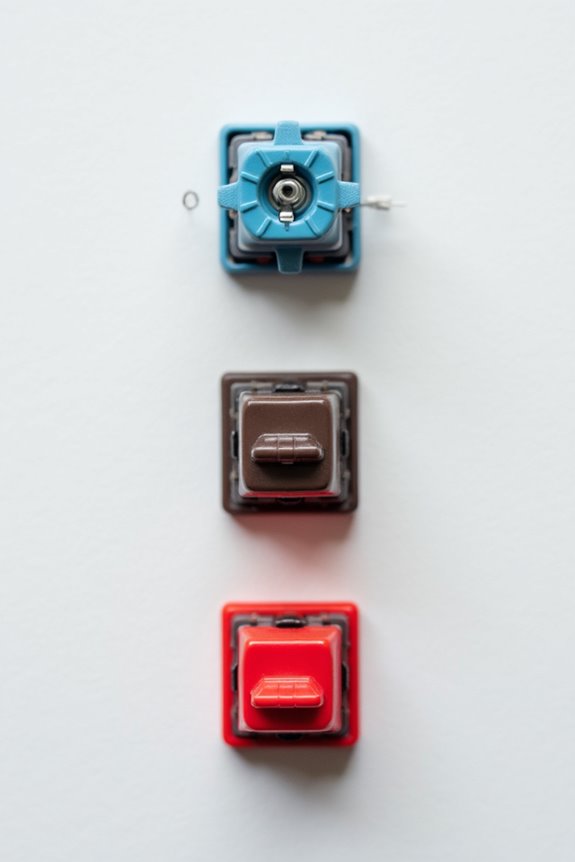
There are three main types of keyboard switches: linear, tactile, and clicky. Linear switches offer smooth keystrokes, making them great for quiet environments. Tactile switches provide a noticeable bump for better feedback, enhancing typing accuracy. Clicky switches combine tactile feedback with an audible click, ideal for those who enjoy sound and feel. Additionally, customizable switches allow you to mix and match your preferences. Each type has its own benefits, and I’ll explain more about them as we go on.
Key Takeaways
- Linear switches offer smooth keystrokes with no tactile feedback, making them quiet but potentially prone to accidental presses.
- Tactile switches provide a noticeable bump during actuation, enhancing typing accuracy while balancing noise and feedback.
- Clicky switches deliver both tactile and audible feedback, ensuring clear actuation signals, but are louder, making them less suitable for quiet environments.
- Customizable switches let users select their preferred type, actuation force, and sound profile, enhancing personalization for typing experiences.
- Various manufacturers, like Kailh and Gateron, offer distinct switch designs, catering to different user preferences and enhancing the keyboard customization market.
Linear Switches
You may be interested


Linear switches are a popular choice among keyboard enthusiasts and gamers alike, known for their smooth keystroke profile. One of the primary linear switch benefits is the seamless, uninterrupted keystroke that allows for quick key presses and rapid double-tapping. The consistent actuation pressure also reduces finger fatigue during long typing or gaming sessions. Additionally, their quiet operation makes them suitable for noise-sensitive environments like offices.
However, linear switches have some disadvantages. The lack of tactile feedback may make it harder for some users to gauge key actuation, potentially leading to accidental presses. Furthermore, users who prefer a more tactile experience might find linear switches less satisfying. Overall, understanding these benefits and disadvantages can help you choose the right switch for your needs.
Recommended Products

Peak Silence Meets Effortless Smoothness: Are you tired of the annoying "clacky" sound from mechanical keyboards while typing? Looking for a factory-lubed, plug-and-play silent switch that lets you immerse yourself in a whisper-quiet typing experience? What’s more, the EPOMAKER Silent Switch is equipped with top-tier shock absorption technology, which effectively eliminates key noise. Whether you’re working late at night or in a shared office space, you can still maintain full focus without disturbing others. Its pre-lubrication process ensures every keystroke is silky-smooth and seamless, remaining stable and reliable even with long-term use.

[Silent Switch] - OUTEMU White Peach V3 Pro Silent Keyboard Switch,factory-precision lubricated for fatigue-free,ultra-smooth operation even with prolonged use.Features dual-sided silicone strips around the switch stem and double-layer dampening,achieving a press noise level <35±1dB.Ideal for home typing,gaming,and office environments.
Tactile Switches
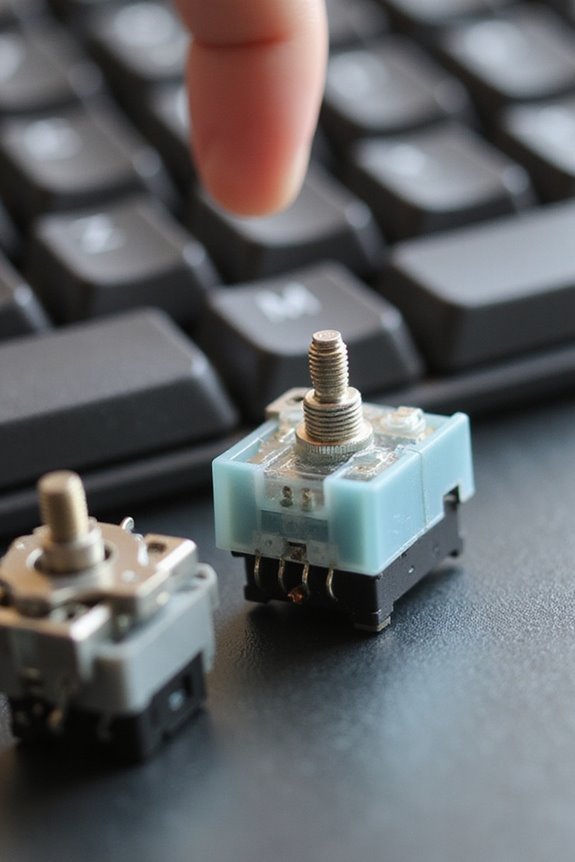
When it comes to keyboard switches, tactile switches stand out for their distinctive feedback mechanism, which provides a noticeable bump during each keystroke. This tactile feedback allows me to feel the actuation without needing to bottom out the key, enhancing my typing accuracy. Typically, tactile switches require an actuation force ranging from 45 to 60 grams, providing a comfortable resistance that suits extended use. The internal mechanism flexes to connect circuits, ensuring a reliable response each time I press a key. I find that this feedback reduces accidental key presses, making it ideal for both typing and gaming environments. Overall, tactile switches balance noise and feedback effectively, making them a preferred choice for many users, including myself.
Clicky Switches
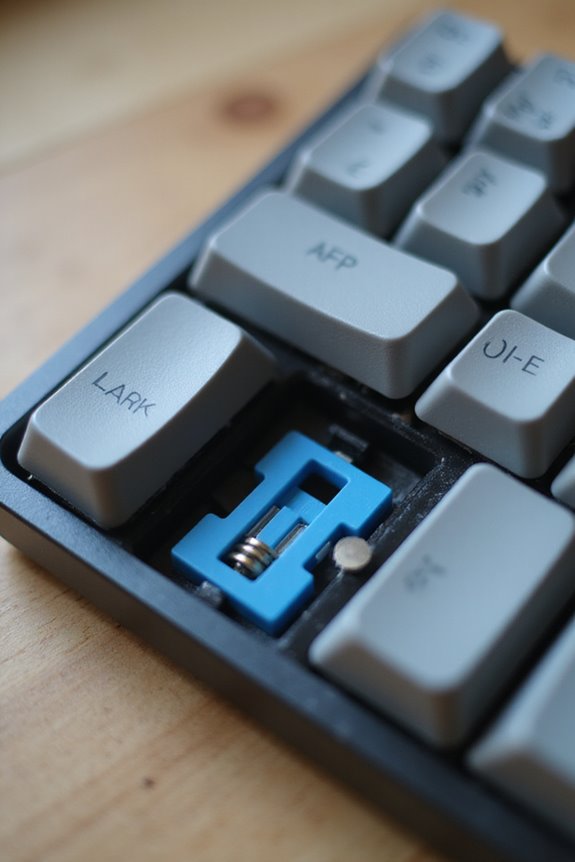
Although many users appreciate the quiet operation of linear and tactile switches, clicky switches are a favorite for those who enjoy both tactile and audible feedback while typing. Characterized by a distinct “click” sound and a tactile bump, these switches provide several clicky switch benefits. For instance, they enhance typing accuracy due to their clear feedback which helps prevent unnecessary bottoming out of keys.
Clicky switch mechanics involve a spring-loaded mechanism that creates the audible click, making them louder than other switch types. This sound can be particularly beneficial for users with visual impairments. Additionally, their robust design guarantees durability, often lasting millions of keystrokes, making them an enjoyable and long-lasting choice for both gamers and typists.
Customizable Switches
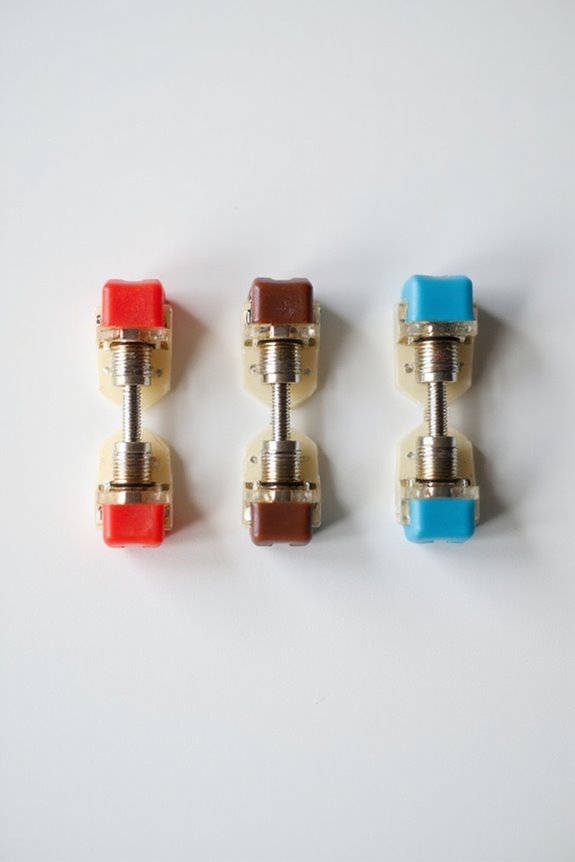
Customizable switches offer a unique opportunity for keyboard enthusiasts to tailor their typing experience to fit their specific preferences and needs. With switch customization, I can choose from linear, tactile, or clicky types, depending on how I want my keyboard to feel. The actuation force can vary, allowing me to select lighter or heavier switches based on my typing style. Additionally, some switches have different sound profiles, catering to those who prefer a quieter experience or a more pronounced click. Mechanical switches provide varied tactile feedback, enhancing the overall typing experience. Switch compatibility is essential too; for instance, Gateron switches work seamlessly with Cherry MX keycaps, giving me more options for personalization. Overall, customizable switches enable me to create a keyboard that truly reflects my unique typing preferences.
Recommended Products

Package Includes: You will get 50 Pcs blue keyboard switches in one bag! Each set of our mechanical switches comes with a switch puller and a convenient cleaning brush. This complete kit makes switch installation and future keyboard cleaning effortless

This blue key switch has a transparent housing, suitable for LED backlighting, offers excellent tactile feedback, smoother, and will satisfy you with the classic crisp click sound.

【Package Content】The package contains 50 pre-lubricated 3-pin onboard tactile switches, providing smooth actuation and crisp rebound, making it ideal for custom keyboards or upgrades
Switch Manufacturers
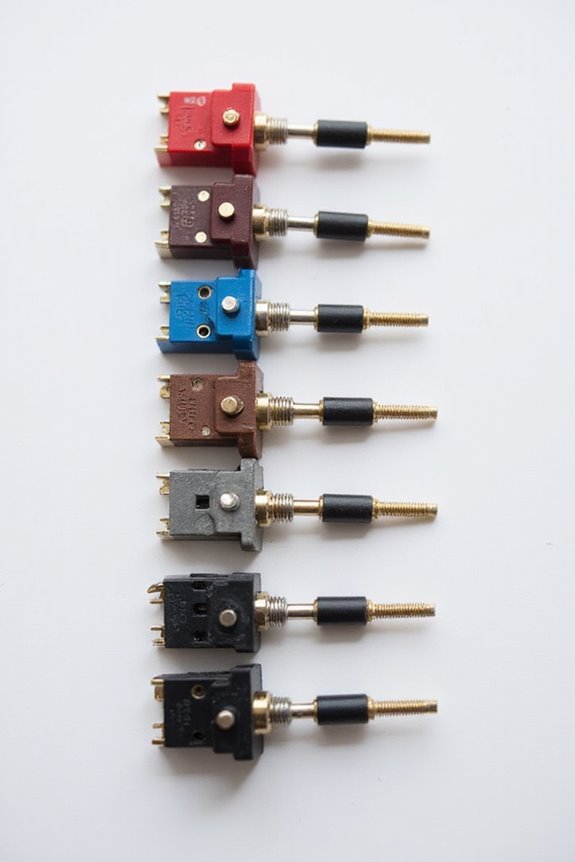
There are several prominent manufacturers in the keyboard switch industry, each contributing unique designs and technologies to enhance typing experiences. For instance, Kailh is known for its innovative Box switches, while Gateron provides a wide array of switch types that appeal to enthusiasts. Akko has expanded from keycaps to create homegrown switches like the CS line, showcasing current switch innovation trends. Outemu offers budget-friendly alternatives, making them popular for custom builds. Additionally, manufacturer comparisons reveal that brands like Omron focus on linear switches, while others explore clicky and optical options. Each manufacturer’s distinct approach enriches the market, catering to various user preferences and ensuring that there’s a switch for everyone.
Recommended Products

5pcs Kailh Switches(INK Melodic,Whale,Islet,Midnight Tactile,Midnight Linear),Tip! New products on the new, regular adjustment of the switch combination, the product to the actual receipt of prevail!

5pcs(Magnetic Jade Pro,Baby Kangaroo 2.0,Lunar PRobe,Quinn, Oil King Switches).Tip! New products on the new, regular adjustment of the switch combination, the product to the actual receipt of prevail!

Akko Penguin Switch - Inspired by penguin, Akko's first silent tactile switches come with striking yellow stems, pure white top housings, and black bottoms. Akko switch has upgraded with additional lubes on the rails, providing better out-of-box experiences
Switch Characteristics Comparison
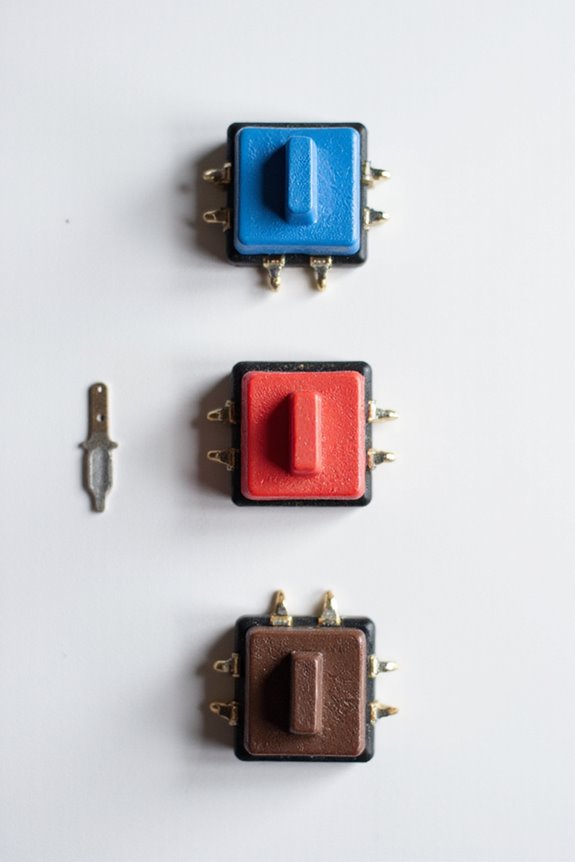
When selecting a keyboard switch, understanding the distinct characteristics of linear, tactile, and clicky switches is essential.
- Linear Switches offer a smooth operation with a consistent switch feel, requiring a constant actuation force throughout the keystroke. They’re versatile and reduce fatigue during extended typing.
- Tactile Switches provide a noticeable bump, enhancing the switch feel and allowing for faster typing. They typically require a moderate actuation force, striking a balance between feedback and usability.
- Clicky Switches combine tactile feedback with an audible click, delivering a unique typing experience. They demand a firm actuation force, which may be distracting in quiet settings.
Each type has its unique attributes, catering to different preferences and needs in keyboard usage.
Recommended Products

Cilantro Switch: Cilantro switches are Akko's first deep clack tactile switches, featuring a fresh cilantro-inspired color scheme with an innovative and unique combination. The switches come with HMX’s latest mould, which is meticulously made with enhanced stability

Akko v3 Generation Pro Switches – Our creamy switches now feature alloy copper and palladium gold contact, which provide better conductivity, stability, and durability. With dustproof stem and 5-Pin, Akko v3 generation pro cream switches are designed to bring a better stability typing experience

【The Inspiration of EPOMAKER Wisteria Switch】Wisteria is a complicated plant that features bountiful purple blooms in eye-catching cascades. It symbolizes romance in most cultures and also a symbol of good luck, success, and longevity. As a team deeply fascinated by the cup-shaped flower, EPOMAKER design team takes the purple colorway as the main hue, embellished with pastel orange, here comes the Wisteria-A keyswitch set full of joy and happiness!
Choosing the Right Switch for You
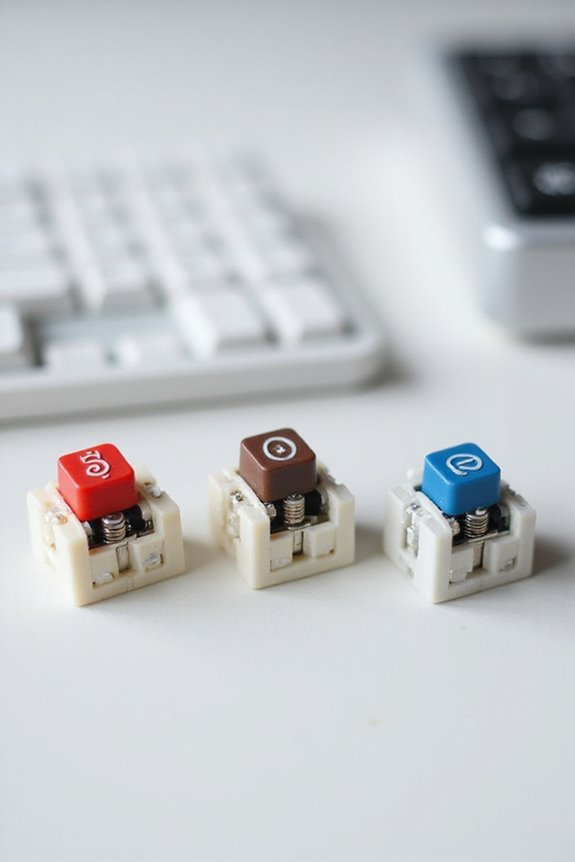
Choosing the right keyboard switch can considerably enhance your typing experience, whether you’re using it for work, gaming, or casual browsing. First, assess your typing preferences. Do you prefer linear, tactile, or clicky feedback? If you need quiet operation, consider Red or Brown switches, while Blue switches offer a satisfying click for those who enjoy sound levels in their typing.
Next, think about actuation force; lighter switches can improve speed and accuracy. Don’t forget to factor in your environment—quieter switches are ideal for shared workspaces, while louder switches may suit home use better. Finally, explore different brands like Cherry or Gateron to find the perfect switch that meets both your needs and budget. Additionally, understanding the differences between mechanical and membrane switches can help you make an informed decision that aligns with your typing style.
Recommended Products
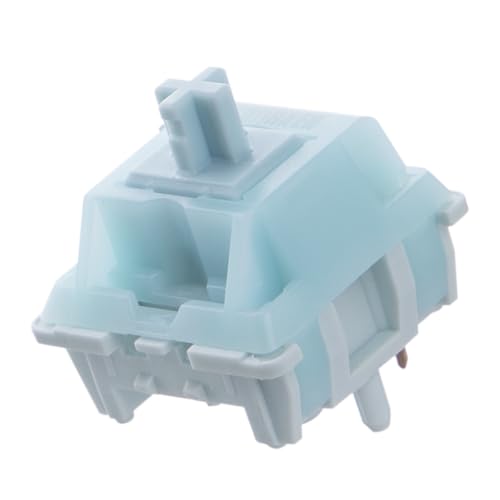
Effortless Linear Actuation: The Epomaker Creamy Jade Switch offers a refined linear actuation, providing a smooth and uninterrupted keystroke for both typing and gaming. With a 45±5gf actuation force and 50±5gf bottom-out force, the switches strike the perfect balance between responsiveness and ease of use, making them ideal for long typing sessions or fast-paced gameplay.

[High Quality]:Outemu(Gaote) traditional cross shaft,low-profile MX structure dustproof keyboard switches;Long life with 50 million cycles operating life.

[Quality]:GATERON Milky Yellow PRO V2, 5-Pin Linear Switches with a straight up and straight down feel
Frequently Asked Questions
How Do I Clean Mechanical Keyboard Switches?
To clean my mechanical keyboard switches, I use gentle cleaning methods like cotton swabs with isopropyl alcohol. This not only removes grime but also helps maintain switch longevity, ensuring my keyboard stays in top shape.
Can I Mix Different Switch Types on One Keyboard?
I’ve found that mixing different switch types can enhance my typing experience, but I always check for switch compatibility first. It’s essential to guarantee they work together smoothly to avoid an inconsistent feel.
What Tools Do I Need for Switch Replacement?
When I’m replacing switches, I always grab key pullers and switch openers. A solid switch compatibility guide helps guarantee I’ve got the right tools for a smooth switch replacement experience. It makes all the difference!
How Do Switch Materials Affect Performance?
I’ve noticed that switch materials greatly influence performance. For instance, polycarbonate boosts switch responsiveness and creates a higher-pitched sound profile, while nylon offers a softer touch and deeper, muted sounds. It’s all about personal preference!
Are There Ergonomic Considerations With Different Switch Types?
Oh, the agony of switch fatigue! I’ve felt it firsthand. Choosing the right switch dramatically influences my typing posture and comfort. It’s essential to take into account how different switches impact ergonomics and my overall typing experience.
{
“@context”: “https://schema.org”,
“@type”: “FAQPage”,
“mainEntity”: [
{
“@type”: “Question”,
“name”: “How Do I Clean Mechanical Keyboard Switches?”,
“acceptedAnswer”: {
“@type”: “Answer”,
“text”: “To clean my mechanical keyboard switches, I use gentle cleaning methods like cotton swabs with isopropyl alcohol. This not only removes grime but also helps maintain switch longevity, ensuring my keyboard stays in top shape.”
}
},
{
“@type”: “Question”,
“name”: “Can I Mix Different Switch Types on One Keyboard?”,
“acceptedAnswer”: {
“@type”: “Answer”,
“text”: “I’ve found that mixing different switch types can enhance my typing experience, but I always check for switch compatibility first. It’s essential to guarantee they work together smoothly to avoid an inconsistent feel.”
}
},
{
“@type”: “Question”,
“name”: “What Tools Do I Need for Switch Replacement?”,
“acceptedAnswer”: {
“@type”: “Answer”,
“text”: “When I’m replacing switches, I always grab key pullers and switch openers. A solid switch compatibility guide helps guarantee I’ve got the right tools for a smooth switch replacement experience. It makes all the difference!”
}
},
{
“@type”: “Question”,
“name”: “How Do Switch Materials Affect Performance?”,
“acceptedAnswer”: {
“@type”: “Answer”,
“text”: “I’ve noticed that switch materials greatly influence performance. For instance, polycarbonate boosts switch responsiveness and creates a higher-pitched sound profile, while nylon offers a softer touch and deeper, muted sounds. It’s all about personal preference!”
}
},
{
“@type”: “Question”,
“name”: “Are There Ergonomic Considerations With Different Switch Types?”,
“acceptedAnswer”: {
“@type”: “Answer”,
“text”: “Oh, the agony of switch fatigue! I’ve felt it firsthand. Choosing the right switch dramatically influences my typing posture and comfort. It’s essential to take into account how different switches impact ergonomics and my overall typing experience.”
}
}
]
}