As an Amazon Associate, we earn from qualifying purchases. Some links may be affiliate links at no extra cost to you. Although our opinions are based on curated research, we haven't used these products. Articles generated with AI.

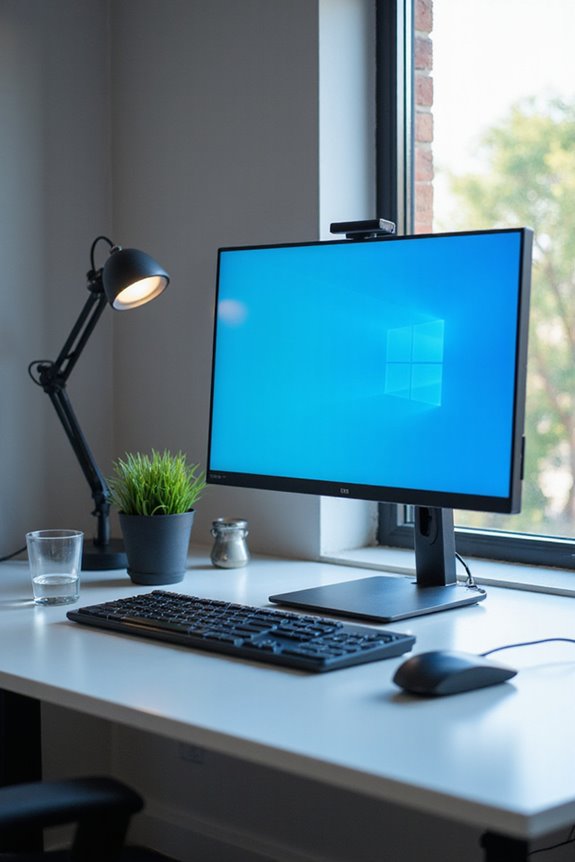
How Do I Reduce Eye Strain From Computer Monitors?

To reduce eye strain from computer monitors, I recommend several practical strategies. First, implement the 20-20-20 rule; every 20 minutes, look at something 20 feet away for 20 seconds. Make sure your workstation is ergonomic—adjust your screen height and distance to promote good posture. Additionally, tweak your screen settings: lower brightness and adjust contrast and color temperature. Don’t forget to schedule regular eye exams to address any potential issues early. If you’re curious about more effective methods, keep exploring further.
Key Takeaways
- Implement the 20-20-20 rule by taking breaks every 20 minutes to look at something 20 feet away for 20 seconds.
- Adjust your screen settings: lower brightness, increase contrast to 60-70%, and use a warmer color temperature.
- Ensure your workstation is ergonomic, promoting good posture and reducing muscle fatigue during prolonged computer use.
- Schedule regular eye exams every two years to monitor eye health and receive personalized advice on managing screen time.
- Incorporate computer glasses designed to reduce glare and blue light exposure for enhanced comfort while using digital devices.
Understanding Eye Strain Symptoms
You may be interested

While many of us spend hours in front of computer monitors, it’s essential to recognize the symptoms of eye strain that can arise from prolonged screen time. Understanding these symptoms can enhance our symptom awareness and improve our overall comfort. Common indicators include eye irritation, such as burning or dryness, and visual discomfort like blurry or double vision. You might also experience physical symptoms, including headaches and neck pain. Additionally, be mindful of behavioral changes, especially in children, who may show reduced attention spans or irritability. By paying attention to these signs, we can take proactive steps to reduce eye strain and maintain our eye health while using digital devices.
Importance of Ergonomic Workstations
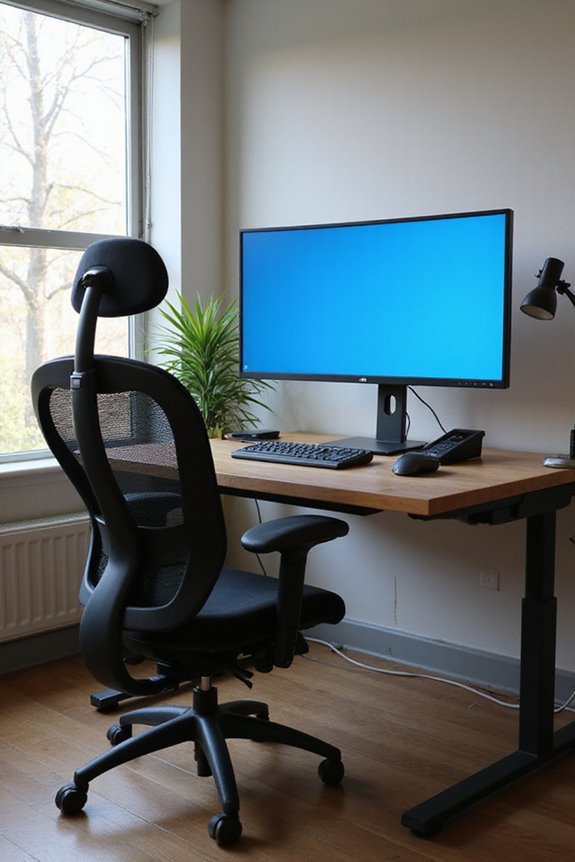
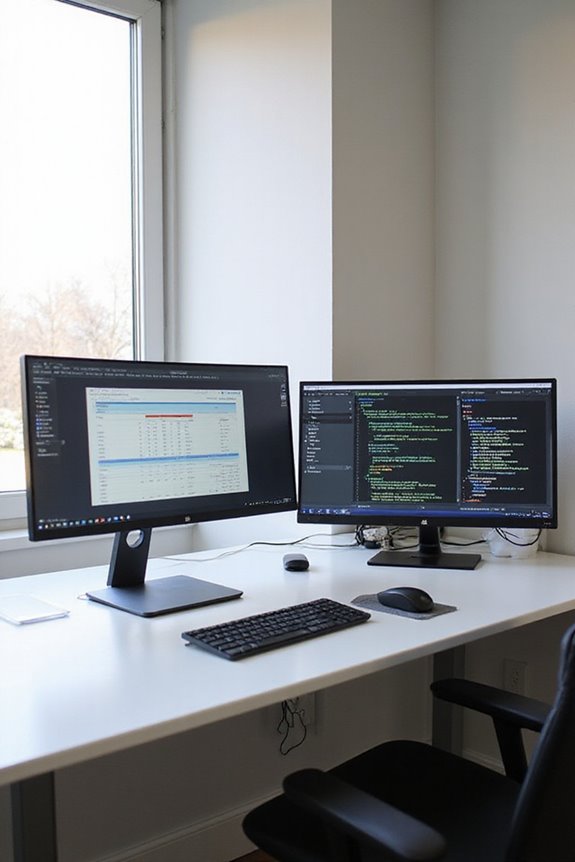
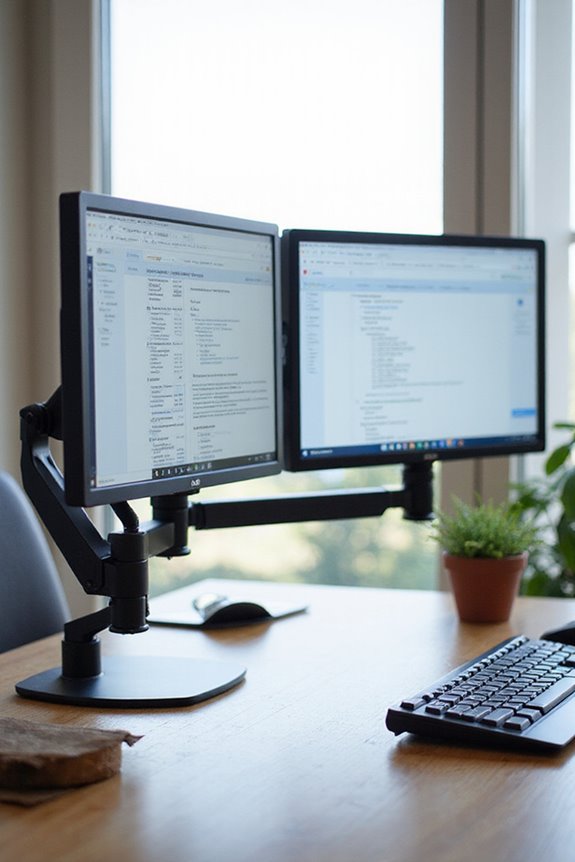
Creating an ergonomic workstation is essential for anyone who spends significant time at a computer. The ergonomic benefits of a well-designed workspace can’t be overstated; it promotes better posture and reduces muscle fatigue. This not only enhances productivity but also minimizes the risk of work-related musculoskeletal disorders. By optimizing your workspace, you’ll notice improved usability, making tasks easier and more efficient.
Moreover, an ergonomic setup can lead to reduced absenteeism, as it helps decrease health issues related to poor ergonomics. You’ll also find that it contributes to better mental clarity, enhancing your overall well-being. Investing in ergonomic solutions is a smart choice for both employees and employers, resulting in long-term cost savings and a more stable workforce. Additionally, incorporating features like adjustable lumbar support can further enhance comfort and promote spinal health during prolonged computer use.
Recommended Products

Fully Adjustable Office Chair: Customized chairs, featuring with an adjustable 2D headrest, backrest with 90° to 120° recline, and 3D adjustable armrests for multiple work postures at will and discover unparalleled comfort throughout the workday.

All-Day Ease – Breathable mesh backrest provides targeted lower back support, encouraging healthy posture and lasting comfort through long hours of sitting.

𝗔𝗹𝗹 𝗗𝗮𝘆 𝗖𝗼𝗺𝗳𝗼𝗿𝘁 - High-grade memory foam contours to your spine, delivering lumbar support for office chair users and helping maintain neutral posture through long workdays
Implementing the 20-20-20 Rule
To effectively combat eye strain from prolonged screen time, I recommend implementing the 20-20-20 rule. This simple strategy involves taking a break every 20 minutes to look at something 20 feet away for at least 20 seconds. The 20-20-20 effectiveness lies in allowing your eye muscles to relax, which can help alleviate symptoms of digital eye strain like blurred vision and dry eyes. While scientific studies show mixed results regarding overall visual acuity improvements, many users report reduced discomfort. To maximize the benefits, consider integrating this rule with other strategies like using computer glasses and ensuring proper lighting. By consistently applying the 20-20-20 rule, you can greatly improve your eye comfort during long hours at the screen.
Recommended Products

BLUE LIGHT BLOCKING GLASSES: Our blue light glasses for women boast UV400 protection, blocking harmful blue rays from computer screens. With these bluelight glasses women, you can enjoy gaming, reading, or watching TV with no worries of eye strain.

【Anti-Glare Blue Light Glasses】- Anti blue light glasses can effectively help you block harmful blue light from computer/phone/TV screen, filter harmful light waves and reduce glare, protect your eyes from the harmful effects of blue light.
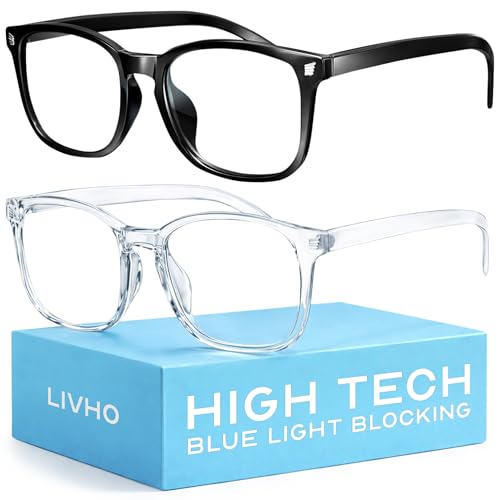
Elevate your screen time comfort with these stylish women's/men's eyewear frame blue light blocking glasses, designed to reduce eye strain and protect against harmful UV rays. Stay focused and comfortable with these anti-glare computer glasses featuring a women's eyewear frame, perfect for long hours in front of digital screens .
Adjusting Screen Settings for Comfort
One effective way to reduce eye strain is by adjusting your screen settings. Start with your brightness settings; lowering the brightness can make a significant difference, as a less bright screen is often more comfortable for prolonged use. Next, consider the contrast; a 60% to 70% contrast setting can enhance the visual experience by improving the distinction between light and dark areas. Additionally, adjusting the color temperature to a warmer tone can help minimize the strain caused by harsh blue light. Finally, verify your refresh rate is set as high as possible, ideally 144 Hz or higher, to reduce flicker. These adjustments can create a more comfortable viewing experience while working on your computer.
Recommended Products

Dimension: 21.26 x 13.39 inch/L x W. Compatible with iMac 24 inch;compatible with Lenovo Ideacentre 23.8;compatible with HP Pavilion 24/Flagship 23.8;compatible with Inspiron 23.8,compatible with Dell P Series 24;compatible with Fast Elite 8300 FHD 23;compatible with Sceptre 24;compatible with Acer Aspire 23.8/XFA240 bmjdpr 24;compatible with ViewSonic 24 and diagonally measured 23,23.6,23.8,24 inch 16:9 widescreen desktop PC LED monitor. Please measure your modiagonal dimension before purchase

【BEFORE ORDERING】1. Measure monitor diagonal size without edges. 2. Please check the size chart to confirm the correct variation you need.3. The width and height of ZYY computer blue light blocking screen protector 23-24 inch (23 inch, 23.5 inch, 23.6 inch, 23.8 inch, 24 inch) is width 540 mm * height 340 mm. (COMPATIBLE FOR IMAC 24 inch screen and Curved Monitors)

【SIZE】1. Measure monitor diagonal size without edges. 2. Please check the size chart to confirm the correct variation you need.3. The width and height of computer blue light blocking screen protector 30-32 inch(30 inch, 31 inch, 31.5 inch, 32 inch) is width 718 mm * height 421 mm, also compatible for curved monitor.
Incorporating Blinking Exercises
Incorporating blinking exercises into your work routine can be a simple yet effective method to combat eye strain while using computer monitors. Since we naturally blink less when focused on screens, it’s vital to consciously increase our blinking frequency. I recommend practicing various blinking techniques throughout the day. For instance, try quick blinks for a few seconds to refresh your tear film or tight close-and-open blinks to promote eye relaxation. Setting reminders every 20 minutes can help me stay consistent. Additionally, combining these exercises with brief screen breaks maximizes their effectiveness. By doing so, I can greatly reduce irritation and fatigue, ensuring a more comfortable experience during prolonged computer use.
Scheduling Regular Eye Exams
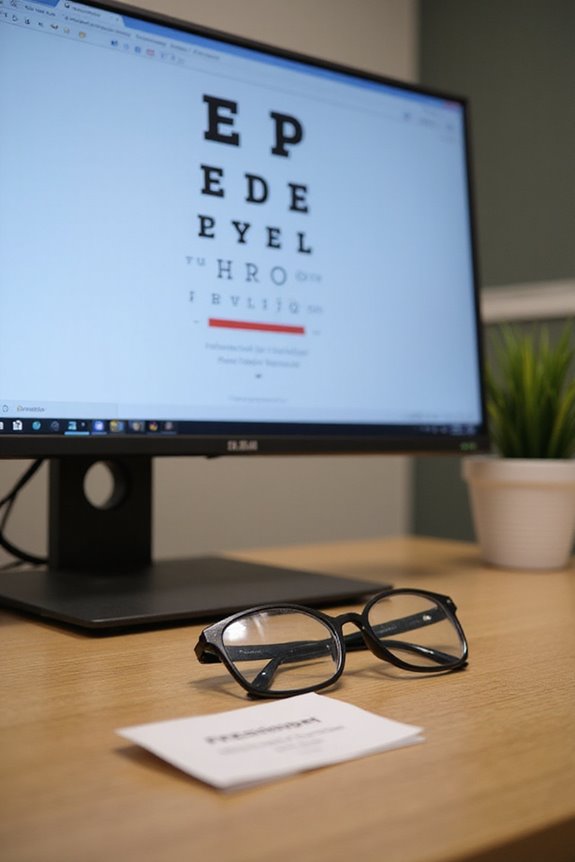
Because digital eye strain is becoming increasingly common, scheduling regular eye exams is vital for maintaining ideal eye health. Over 50% of people experience symptoms like dry eyes and blurred vision, often due to extensive screen time. Regular exams help identify these issues early, allowing for preventive care that can mitigate long-term problems.
I recommend visiting an eye care professional at least every two years, or more frequently if you use digital devices for over four hours daily. If you notice persistent symptoms, schedule an exam immediately. These visits can provide personalized advice on eyewear and screen settings tailored to your habits, enhancing your comfort and productivity while using screens. Prioritize your eye health to guarantee a better quality of life.
Recommended Products

Elevate your screen time comfort with these stylish women's/men's eyewear frame blue light blocking glasses, designed to reduce eye strain and protect against harmful UV rays. Stay focused and comfortable with these anti-glare computer glasses featuring a women's eyewear frame, perfect for long hours in front of digital screens
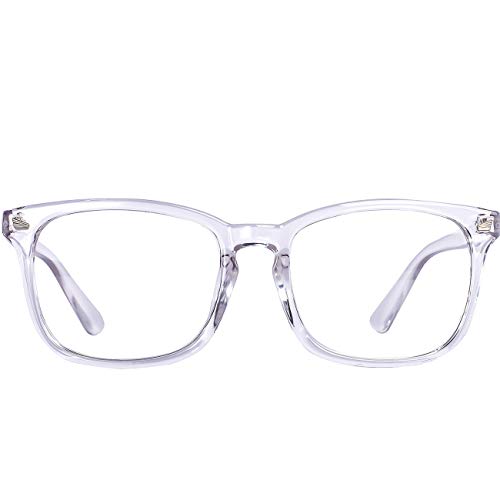
Blue light filter lens - Blue light glasses womenBlock harsh blue light and UV400,Blue light blocking computer glasses is Professional for people who work long hours on computers, tablets, games, on the phone or on TV
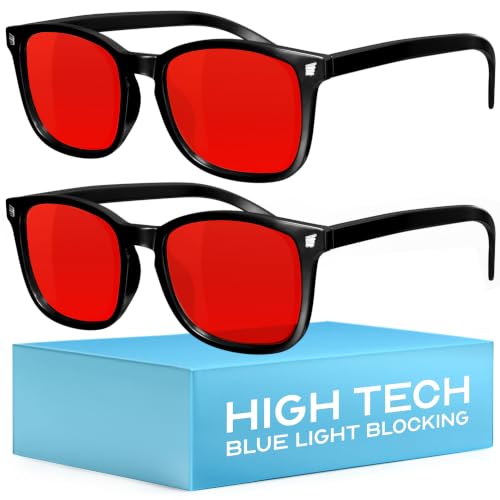
Elevate your screen time comfort with these stylish women's/men's eyewear frame blue light blocking glasses, designed to reduce eye strain and protect against harmful UV rays. Stay focused and comfortable with these anti-glare computer glasses featuring a women's eyewear frame, perfect for long hours in front of digital screens .
Managing Screen Time Effectively
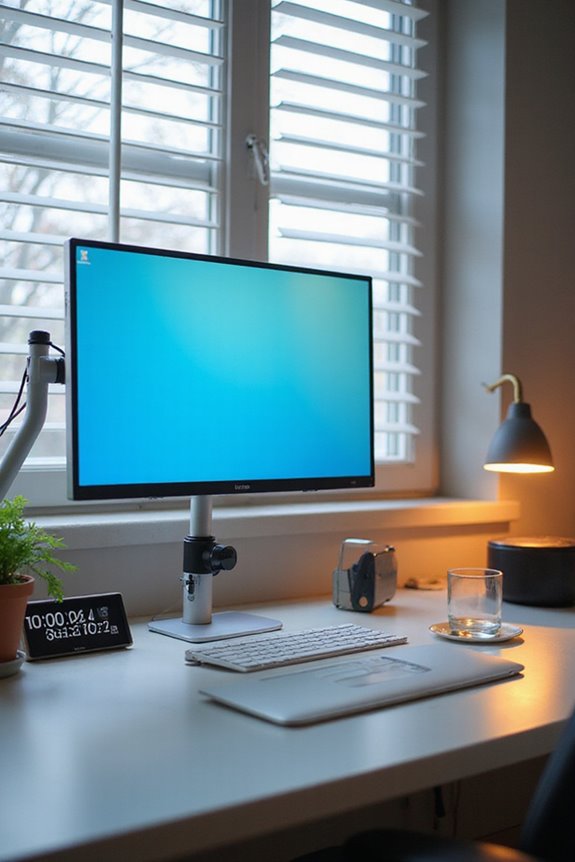
Managing screen time effectively is a key strategy in reducing eye strain and promoting overall well-being. With the average American exceeding seven hours on screens daily, it’s essential to implement structure.
- Schedule Screen Breaks: Follow the 20-20-20 rule—every 20 minutes, look at something 20 feet away for 20 seconds.
- Set Limits: Aim for no more than two hours of recreational screen time daily.
- Digital Detox: Designate specific times for screen-free activities, like exercise or hobbies, to reduce continuous exposure.
- Avoid Screens Before Bed: Limiting screen use an hour before sleep can improve your rest.
Recommended Products

A Real 5/25 Task Timer. The 5/25 working or studying technique is a time management method based on 25-minute stretches of focused work broken by 5 -minute breaks. We have preset 5, 25 minutes for you, you don’t have to set it every time by yourself. Other similar cube timers in the market are not real 5/25 timers as they don’t have preset 5, 25 minutes.

Count up & Countdown timer. You must want a reliable timer to know when to start or stop clearly. This new digital kitchen timer features Loud/Silent mode, On/Off switch, Large screen and Buttons with clear markings for ease of use

Coolness Unleashed: Experience the power of our 3-in-1 Portable AC. Featuring a high-performance motor and large fan blades, it combines cooling, humidifying, and air circulation. Add ice water or ice cubes for an instant blast of coolness in just 5 seconds
Frequently Asked Questions
Can Specific Foods Improve Eye Health and Reduce Strain?
I’ve noticed that including omega-3 sources like salmon and the carotenoid benefits from leafy greens really boosts my eye health. It’s made a difference in how my eyes feel, especially during long screen sessions.
How Does Hydration Affect Eye Moisture and Comfort?
Imagine a sponge soaking up water. That’s how hydration benefits my eyes, ensuring moisture retention. When I’m well-hydrated, my eyes feel comfortable, less irritated, and ready to take on the day without strain.
Are There Specific Eye Drops Recommended for Digital Eye Strain?
When choosing eye drops for digital eye strain, I’ve found both prescription drops and natural remedies helpful. Preservative-free options work best for me, providing relief without irritation during long screen sessions. Always consult an eye specialist!
What Role Does Lighting Play in Reducing Eye Strain?
When I think about reducing eye strain, I realize ambient lighting’s essential. I adjust my screen brightness to match it, creating a comfortable viewing experience that minimizes glare and helps my eyes feel more relaxed.
Can Wearing Blue Light Glasses Effectively Reduce Eye Strain?
I’ve wondered if blue light glasses truly help. Despite their lens technology, studies show they don’t greatly reduce eye strain. Instead, I focus on proper ergonomics and breaks for real relief during screen time.
{
“@context”: “https://schema.org”,
“@type”: “FAQPage”,
“mainEntity”: [
{
“@type”: “Question”,
“name”: “Can Specific Foods Improve Eye Health and Reduce Strain?”,
“acceptedAnswer”: {
“@type”: “Answer”,
“text”: “I’ve noticed that including omega-3 sources like salmon and the carotenoid benefits from leafy greens really boosts my eye health. It’s made a difference in how my eyes feel, especially during long screen sessions.”
}
},
{
“@type”: “Question”,
“name”: “How Does Hydration Affect Eye Moisture and Comfort?”,
“acceptedAnswer”: {
“@type”: “Answer”,
“text”: “Imagine a sponge soaking up water. That’s how hydration benefits my eyes, ensuring moisture retention. When I’m well-hydrated, my eyes feel comfortable, less irritated, and ready to take on the day without strain.”
}
},
{
“@type”: “Question”,
“name”: “Are There Specific Eye Drops Recommended for Digital Eye Strain?”,
“acceptedAnswer”: {
“@type”: “Answer”,
“text”: “When choosing eye drops for digital eye strain, I’ve found both prescription drops and natural remedies helpful. Preservative-free options work best for me, providing relief without irritation during long screen sessions. Always consult an eye specialist!”
}
},
{
“@type”: “Question”,
“name”: “What Role Does Lighting Play in Reducing Eye Strain?”,
“acceptedAnswer”: {
“@type”: “Answer”,
“text”: “When I think about reducing eye strain, I realize ambient lighting’s essential. I adjust my screen brightness to match it, creating a comfortable viewing experience that minimizes glare and helps my eyes feel more relaxed.”
}
},
{
“@type”: “Question”,
“name”: “Can Wearing Blue Light Glasses Effectively Reduce Eye Strain?”,
“acceptedAnswer”: {
“@type”: “Answer”,
“text”: “I’ve wondered if blue light glasses truly help. Despite their lens technology, studies show they don’t greatly reduce eye strain. Instead, I focus on proper ergonomics and breaks for real relief during screen time.”
}
}
]
}