As an Amazon Associate, we earn from qualifying purchases. Some links may be affiliate links at no extra cost to you. Although our opinions are based on curated research, we haven't used these products. Articles generated with AI.

How Do I Calculate The Right Height For My Standing Desk?

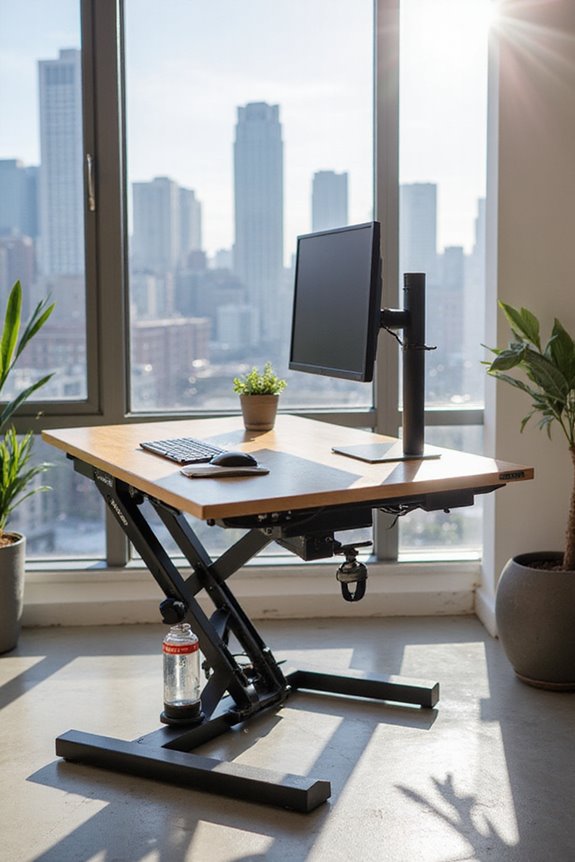
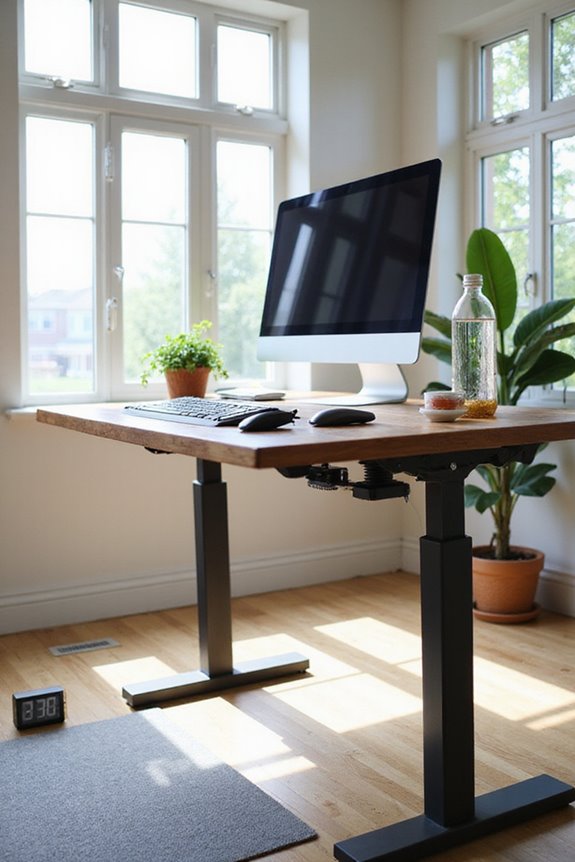
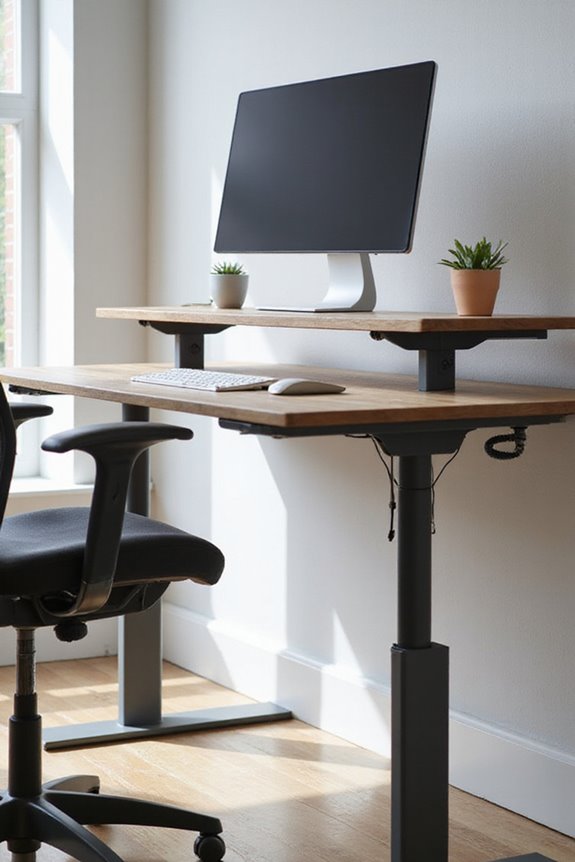
To calculate the right height for your standing desk, I recommend starting by measuring your height while wearing your typical shoes. Your elbows should bend at a 90-degree angle when typing, so align the desk surface with your elbow height. Additionally, make certain your monitor is at eye level, with the top third of the screen in your line of sight. Using an online standing desk calculator can help fine-tune these measurements and optimize your setup. Read on to explore more ergonomic considerations.
Key Takeaways
- Measure your height with shoes on to ensure accuracy for desk height calculations.
- Keep your elbows at a 90-degree angle while typing for optimal arm positioning.
- Position your monitor so the top third is at eye level to prevent neck strain.
- Use standing desk calculators to input height and other factors for personalized recommendations.
- Regularly change positions between sitting and standing to avoid discomfort and health issues.
Understanding Ergonomics and Its Importance
While it may seem straightforward, understanding ergonomics is essential for creating a workspace that promotes safety, comfort, and productivity. Ergonomics focuses on optimizing our environments to reduce physical strain on the body, which directly impacts workplace safety. By applying ergonomic principles, we can notably lower the risk of musculoskeletal disorders, which account for a large percentage of workplace injuries. This not only enhances worker health and well-being but also boosts productivity and product quality. Implementing effective ergonomic solutions leads to fewer lost workdays and reduced staff turnover. As I’ve learned, investing in ergonomics is not just about comfort—it’s a strategic move that benefits both employees and employers, fostering a motivated and efficient workforce. Additionally, using adjustable height desks can further improve posture and reduce discomfort during long work hours.
Key Factors for Calculating Desk Height
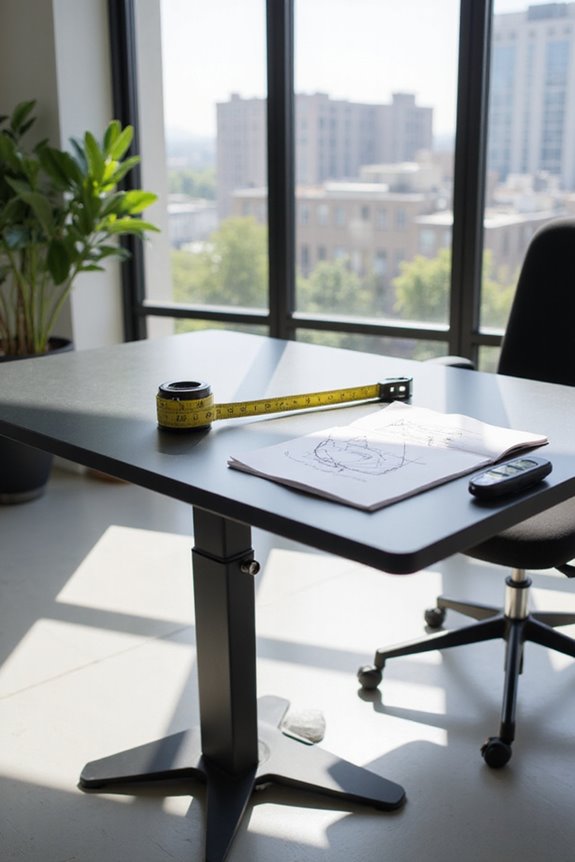
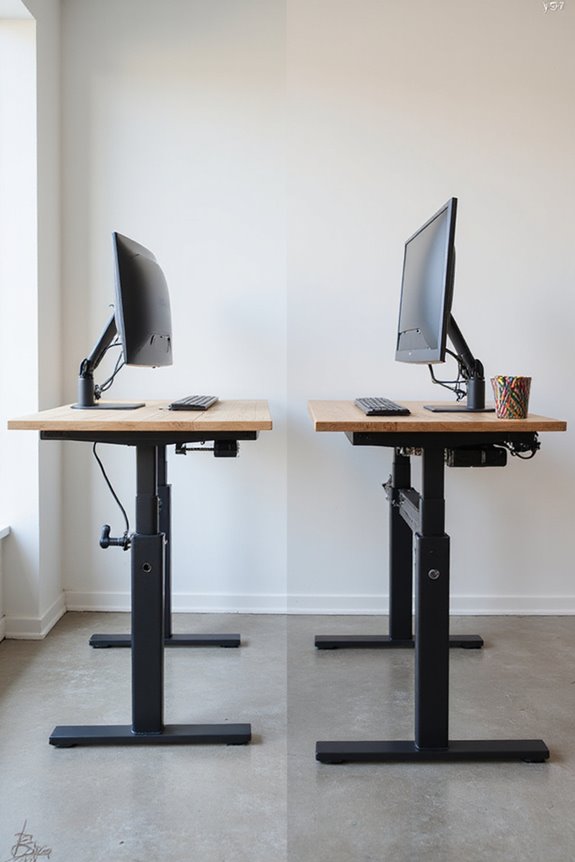
To achieve a comfortable and ergonomic workspace, several key factors must be considered when calculating the right height for your standing desk. First, desk depth plays an important role; it can influence how far you lean forward or backward, affecting your posture. Next, arm positioning is essential; your arms should rest comfortably at a 90-degree angle while typing to minimize strain. Additionally, measure your elbow height, ensuring it aligns with the desk surface. Don’t forget to account for your shoe height when taking these measurements. Finally, maintaining proper monitor placement can prevent neck strain, with the top third of the screen at eye level. By considering these factors, you’ll create a workspace that promotes comfort and productivity. Moreover, investing in a quality desk can lead to long-term health benefits, enhancing your overall work experience.

Monitor Stand with 2 Drawers: Dual monitor stand includes a large 10.9 inch practical slide-out drawer, providing a private space for storing your desktop items, making the space neater and more spacious.

Ergonomic Posture Correction: Designed to elevate your laptop to the perfect eye level, this adjustable laptop stand significantly reduces neck, shoulder, and spinal fatigue. Transform your desk into a healthier workstation, ideal for long hours of typing, Zoom meetings, or gaming.

Good Health: Monitor or notebook computer is elevated to a proper ergonomic viewing position, creating best posture which helps reduce neck and back strain,Then stow laptop underneath monitor riser for space-saving storage
How to Use Standing Desk Calculators
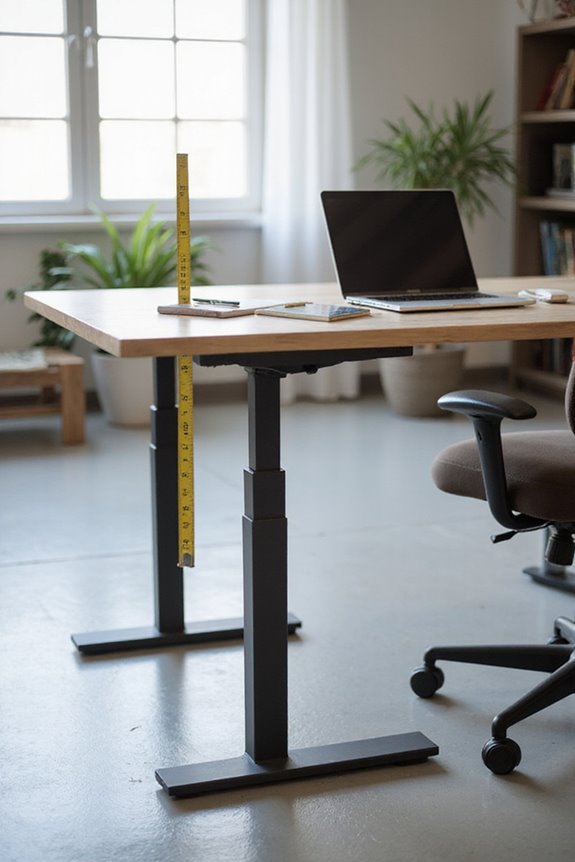
How do you find the ideal height for your standing desk using a calculator? Standing desk calculators are excellent tools for determining optimal desk height, ensuring you reap the standing desk benefits. Start by selecting your height, making sure to include your shoe thickness. Some calculators may also ask for additional information like weight or usage hours to provide personalized ergonomic adjustments.
Once you input your data, the calculator will suggest a range of desk and monitor heights. Review these recommendations and adjust your setup accordingly to promote proper posture. By following these steps, you can create a balanced workspace that enhances productivity while reducing discomfort and fatigue throughout your workday. Additionally, utilizing ergonomic accessories, such as KTRIO Ergonomic Keyboard Wrist Rest, can further support your posture and comfort during use.

Create Instant Active Standing - VIVO’s desk riser provides on-demand standing throughout the day for the freedom to get out of your chair and relieve muscle tension, reduce stress, and increase productivity. --Patented--

Create Instant Active Standing: Provides on-demand standing throughout the day for the freedom to get out of your chair and relieve muscle tension, reduce stress, and increase productivity --Patented–

【 EXTRA LARGE FOR 1-2-3 MONITORS 】🍒Free Reissue if Broken in transportation( >.< contact brand seller) 🍒The size of monitor stand was improved to offer enough space for using 1-2-3 monitors together. The length of triple monitor stand can be changed from 29.14" to 50.6",Put together will help you organize and make your work more efficient!
Input Requirements for Accurate Measurements
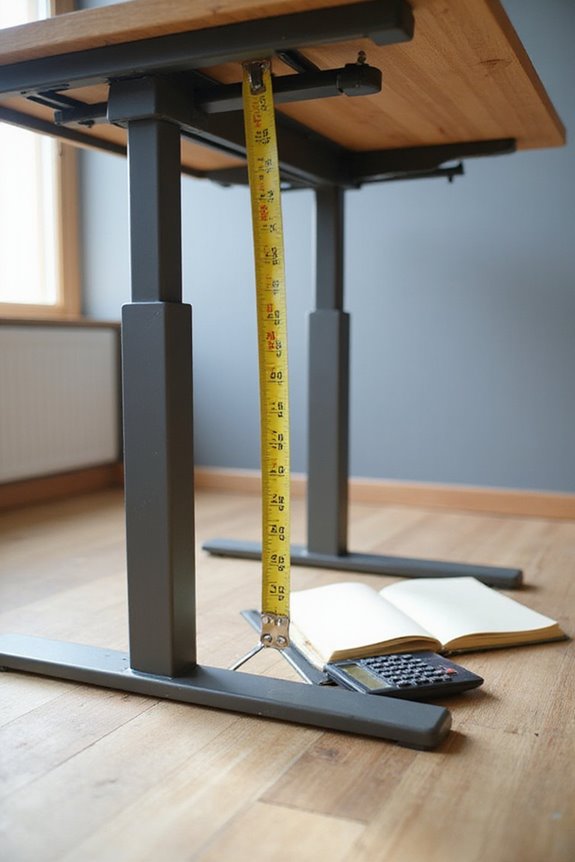
Accurate measurements are essential for determining the ideal height of your standing desk. To start, measure your height in inches while wearing typical shoes. It’s important to maintain proper posture alignment, so stand with your heels against the wall and keep your head level.
Here are key input requirements to contemplate:
- Elbow Position: Verify your elbows are bent at 90 degrees when typing.
- Monitor Placement: The monitor should be 20-30 inches away and at or just below eye level.
- Mobility Needs: Reflect on how often you’ll switch between sitting and standing.
Using a tape measure and level tool will help you achieve accurate height measurements, verifying a comfortable and ergonomic setup. Additionally, consider incorporating adjustable lumbar support to ensure optimal comfort during prolonged use.
Additional Components for an Ergonomic Setup
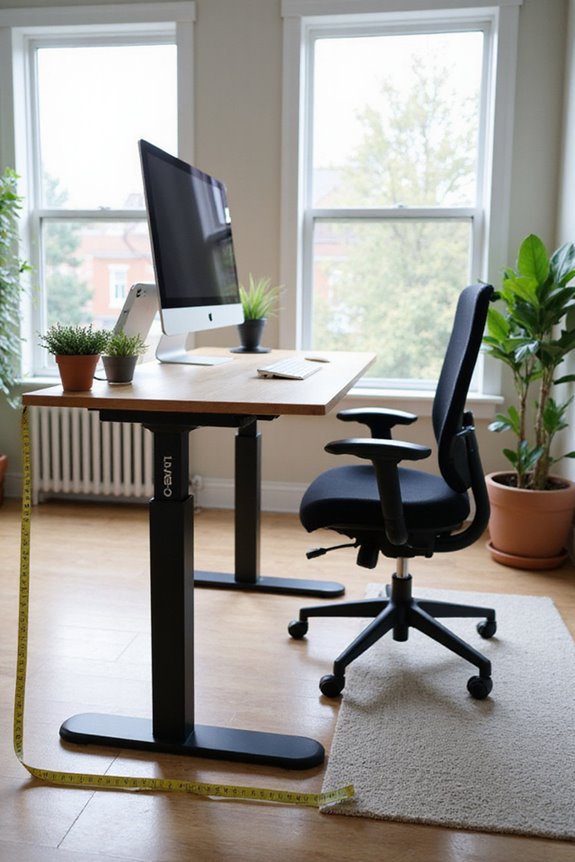
When setting up your standing desk, it’s essential to contemplate various components that can enhance your ergonomic experience. One key addition is monitor arms, which allow you to position your monitor at the ideal height and angle, reducing neck and shoulder strain. If you’re using multiple monitors, consider monitor mounts for flexibility, keeping your workspace organized.
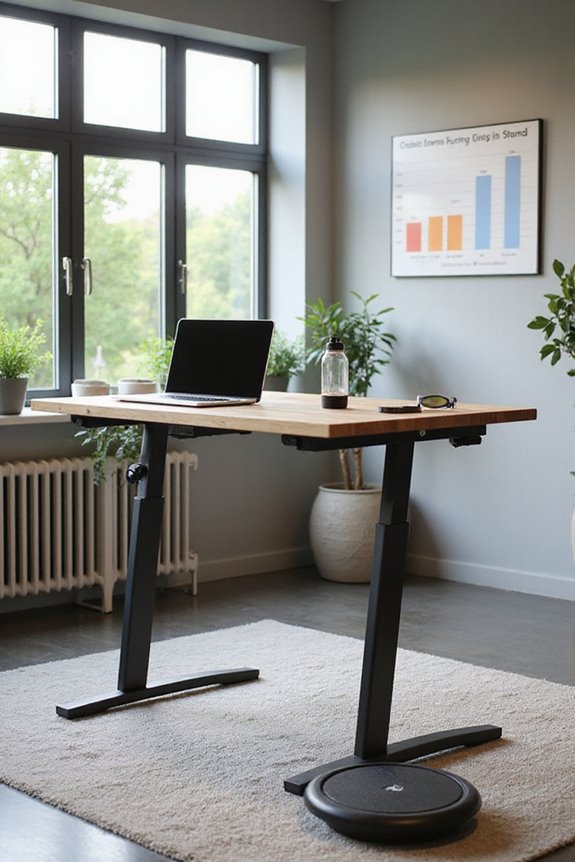
Additionally, investing in ergonomic chairs is vital for those times when you sit. These chairs offer support and comfort, promoting better posture. Don’t forget about anti-fatigue mats; they can greatly reduce discomfort during prolonged standing. By integrating these components, you’ll create a more comfortable and productive workspace, ensuring your standing desk setup meets your ergonomic needs effectively. Furthermore, consider adding an ergonomic footrest to support proper posture and alleviate lower back strain during extended periods of standing.
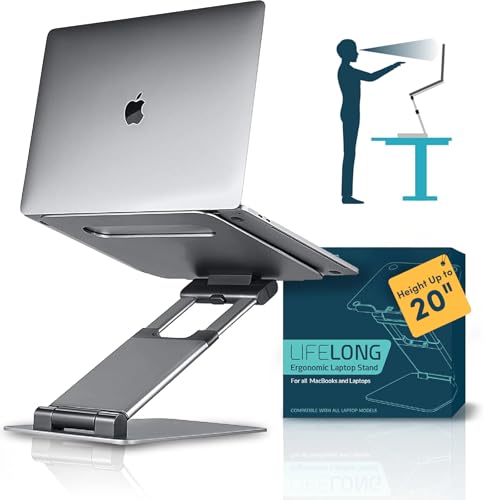
UPRYZE ERGONOMIC STAND! If You are having issues with your back then you are at the right place, Our ERGONOMIC LAPTOP STAND is compatible and will work perfectly for ALL MACBOOK AND LAPTOPS of all sizes from 10 inch tablets to 17 inch laptops including MacBook Air, Pro, 10, 13, 15, 15.6 and 17 inch laptops. You can USE IT WHILE SITTING OR STANDING. With it's cool design, it even keeps your laptop cool so that it DOESN'T OVERHEAT.

Create Instant Active Standing: Sitting too long is dangerous for your health, Tounee’s ergonomic laptop stand provides on-demand standing throughout the long work day, says goodbye to long hours of sitting, helps to relieve muscle tension, reduces stress, and increases productivity.

★【Sturdy & Protective】 The laptop computer stand is made of premium 5mm high density aluminum alloy which is quite sturdy supports up to 26 lbs (12kg) weight on top with large rubber pads on the top surface to hold your laptop stable in place and maximum protect your device from any scratches and sliding.No part of your notebook actually touches the aluminum surface.
Balancing Sitting and Standing Throughout the Day
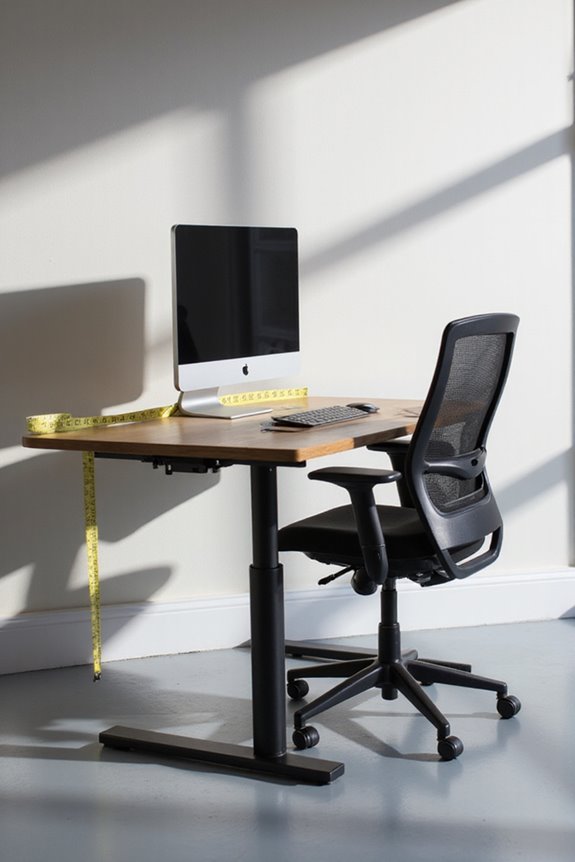
Balancing sitting and standing throughout the day is essential for maintaining both comfort and productivity in your workspace. Research shows that while sitting benefits include reduced discomfort and improved focus, prolonged sitting poses health risks like metabolic syndrome and musculoskeletal issues. To optimize your work routine, I recommend a sitting-to-standing ratio of 30 minutes sitting followed by 30–60 minutes standing. This approach not only mitigates standing risks, such as leg discomfort and circulatory problems, but also keeps energy levels high. Remember to listen to your body; fatigue is a signal to change your posture. Incorporating short breaks for movement can enhance this balance, ensuring you’re not favoring one position too much while promoting overall well-being.
Common Mistakes to Avoid in Desk Setup
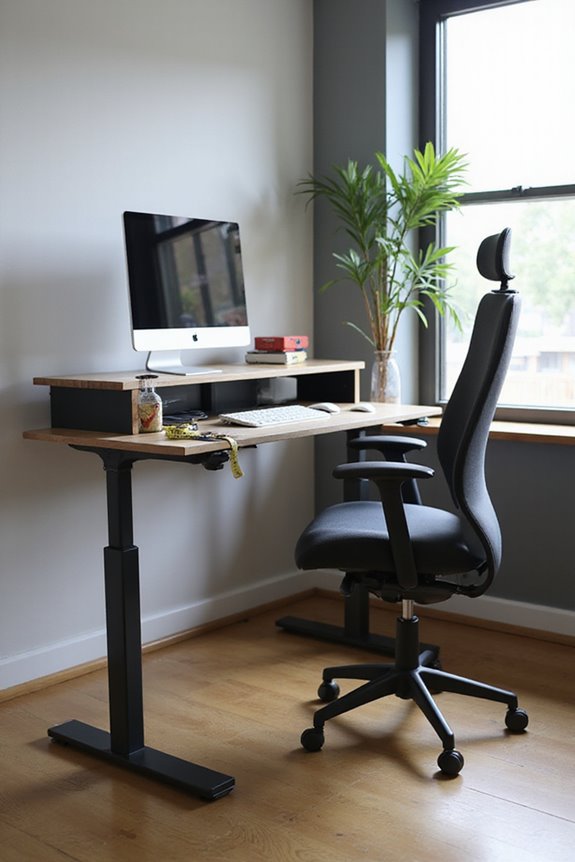
Setting up a desk can seem straightforward, but many people overlook essential details that can greatly impact comfort and productivity. Here are common mistakes to avoid:
- Improper Desk Height: Not adjusting your desk height can lead to discomfort and fatigue.
- Monitor Placement: Positioning your monitor too high or low may strain your neck.
- Foot Positioning: Ignoring proper foot positioning can cause standing discomfort.
- Movement Frequency: Failing to change positions regularly can lead to health issues.
- Posture Correction: Neglecting ergonomic accessories, like footrests, can worsen posture.
- Assembly Techniques: Rushing through desk assembly may cause instability.
Tips for Maintaining an Ergonomic Workspace
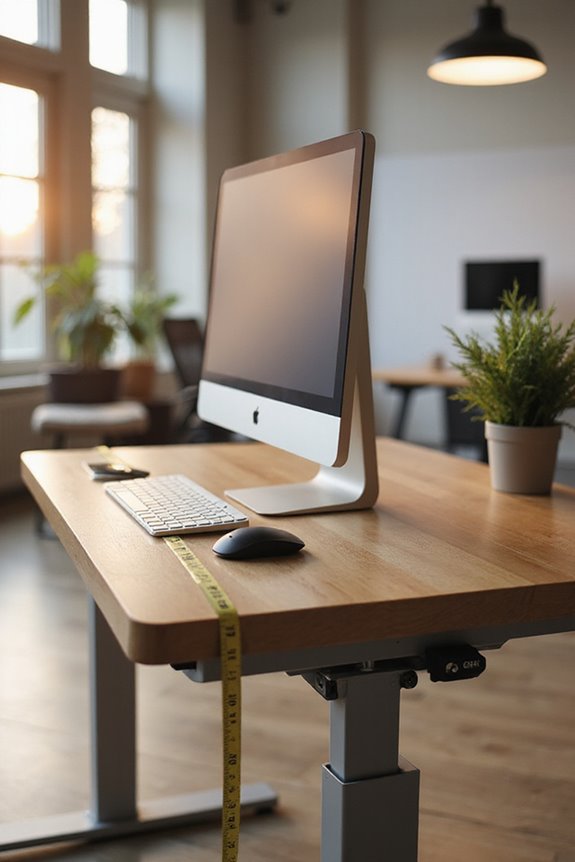
Creating an ergonomic workspace is essential for maintaining comfort and productivity during long hours of work. Here are some tips to help you accomplish this:
- Chair and Desk Setup: Choose a chair with lumbar support and adjust its height so your feet rest flat on the floor. Verify your desk allows for your elbows to be at a 90-degree angle while typing.
- Monitor Placement: Position your monitor at eye level and an arm’s length away to reduce strain.
- Ergonomic Accessories: Utilize wrist rests and footrests for added support.
- Workspace Organization: Keep frequently used items within easy reach to minimize overextension.
- Movement Habits: Remember to take micro-breaks to stretch and alternate between sitting and standing to maintain good posture.
Frequently Asked Questions
Can I Use a Standing Desk if I’M Shorter Than Average?
I’m shorter than average, and I use a standing desk with ergonomic adjustments. I’ve added desk accessories like risers and footrests to guarantee comfort while working, making it a great fit for me.
How Often Should I Adjust My Standing Desk Height?
I adjust my standing desk height about twice daily, usually in the morning and afternoon. This adjustment frequency helps me maintain ergonomic benefits, reducing strain and keeping me comfortable and productive throughout my workday.
Are There Specific Shoes Recommended for Standing Desks?
When it comes to footwear options for standing desks, comfort features like arch support and cushioning are key. I’ve found that clogs and supportive sneakers really keep my feet happy during long hours.
Can a Standing Desk Help With Weight Loss?
I’ve found that using a standing desk boosts my caloric expenditure while also improving my posture. It’s not a miracle solution for weight loss, but combined with other activities, it definitely helps.
What Accessories Enhance the Use of a Standing Desk?
To enhance my standing desk setup, I swear by smart monitor arms for perfect positioning and supportive anti-fatigue mats that cushion my feet. These accessories really make a difference in comfort and productivity!