As an Amazon Associate, we earn from qualifying purchases. Some links may be affiliate links at no extra cost to you. Although our opinions are based on curated research, we haven't used these products. Articles generated with AI.

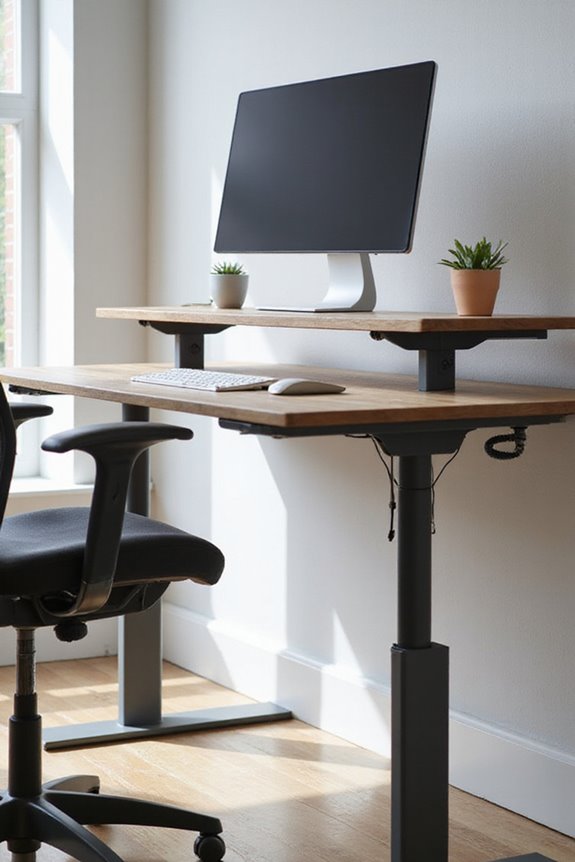
How Do I Calculate The Right Height For My Standing Desk?

To calculate the right height for your standing desk, I recommend starting by measuring your height while wearing your typical shoes. Your elbows should bend at a 90-degree angle when typing, so align the desk surface with your elbow height. Additionally, make certain your monitor is at eye level, with the top third of the screen in your line of sight. Using an online standing desk calculator can help fine-tune these measurements and optimize your setup. Read on to explore more ergonomic considerations.
Key Takeaways
- Measure your height with shoes on to ensure accuracy for desk height calculations.
- Keep your elbows at a 90-degree angle while typing for optimal arm positioning.
- Position your monitor so the top third is at eye level to prevent neck strain.
- Use standing desk calculators to input height and other factors for personalized recommendations.
- Regularly change positions between sitting and standing to avoid discomfort and health issues.
Understanding Ergonomics and Its Importance
You may be interested


While it may seem straightforward, understanding ergonomics is essential for creating a workspace that promotes safety, comfort, and productivity. Ergonomics focuses on optimizing our environments to reduce physical strain on the body, which directly impacts workplace safety. By applying ergonomic principles, we can notably lower the risk of musculoskeletal disorders, which account for a large percentage of workplace injuries. This not only enhances worker health and well-being but also boosts productivity and product quality. Implementing effective ergonomic solutions leads to fewer lost workdays and reduced staff turnover. As I’ve learned, investing in ergonomics is not just about comfort—it’s a strategic move that benefits both employees and employers, fostering a motivated and efficient workforce. Additionally, using adjustable height desks can further improve posture and reduce discomfort during long work hours.
Key Factors for Calculating Desk Height
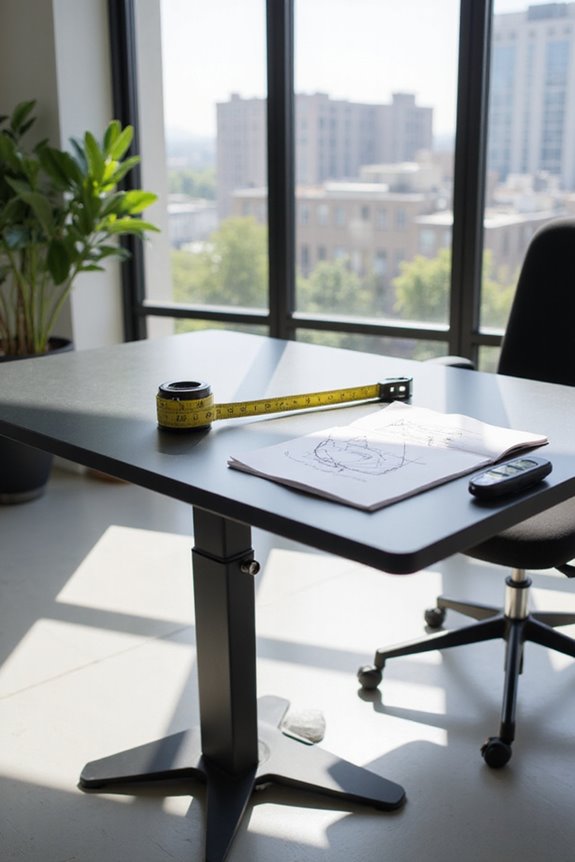
To achieve a comfortable and ergonomic workspace, several key factors must be considered when calculating the right height for your standing desk. First, desk depth plays an important role; it can influence how far you lean forward or backward, affecting your posture. Next, arm positioning is essential; your arms should rest comfortably at a 90-degree angle while typing to minimize strain. Additionally, measure your elbow height, ensuring it aligns with the desk surface. Don’t forget to account for your shoe height when taking these measurements. Finally, maintaining proper monitor placement can prevent neck strain, with the top third of the screen at eye level. By considering these factors, you’ll create a workspace that promotes comfort and productivity. Moreover, investing in a quality desk can lead to long-term health benefits, enhancing your overall work experience.
Recommended Products

Check Desk & Monitor Compatibility: To ensure a proper fit, your monitor must meet these 3 conditions at the same time: First, screen size ranges 13"–32". Second, monitor weight must be between 4.4–19.8 lbs (flat screens) or 4.4–15.4 lbs (curved screens). Third, supports VESA 75×75mm or 100×100mm. Meanwhile, we recommend mounting this arm only on wood desks 0.59"–3.54" thick (other desk types not recommended). Note: If your desk has irregular edges, please choose this monitor arm carefully.

Compatible with Wide Screens - To ensure compatibility with the dual monitor mount, your each monitor must meet three conditions at the same time: First, computer screens size range: 13 to 32 inches. Second, screen weight range: 4.4 to 19.8 lbs. Third, the back of the monitor screen must have VESA mounting holes with a pitch of 75x75mm or 100x100mm.

Great Adaptability: This HUANUO single monitor arm fits 13-32 inch monitors, holds 4.4-19.8 lbs, suitable for VESA patterns of 75x75mm & 100x100mm. This monitor mount is specially designed for ergonomics, aiming to help people work comfortably, and to help people have a better viewing experience.
How to Use Standing Desk Calculators
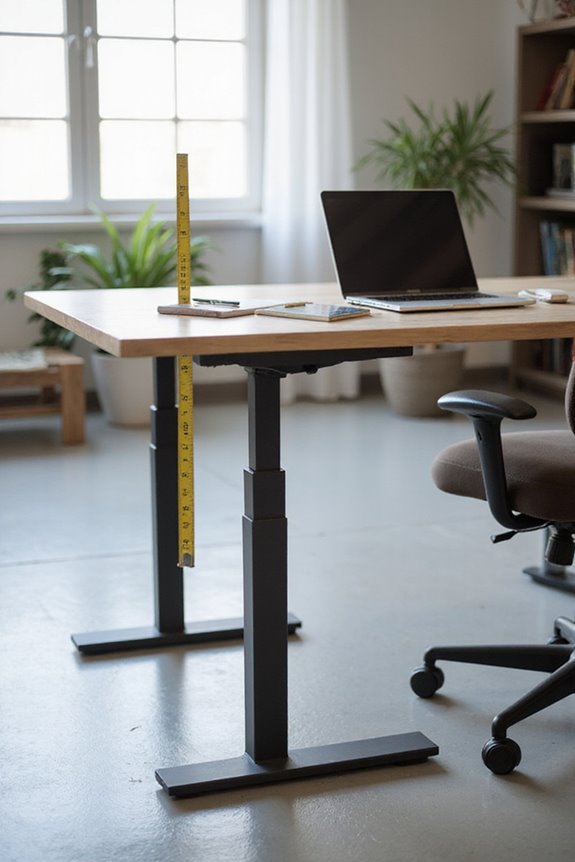
How do you find the ideal height for your standing desk using a calculator? Standing desk calculators are excellent tools for determining optimal desk height, ensuring you reap the standing desk benefits. Start by selecting your height, making sure to include your shoe thickness. Some calculators may also ask for additional information like weight or usage hours to provide personalized ergonomic adjustments.
Once you input your data, the calculator will suggest a range of desk and monitor heights. Review these recommendations and adjust your setup accordingly to promote proper posture. By following these steps, you can create a balanced workspace that enhances productivity while reducing discomfort and fatigue throughout your workday. Additionally, utilizing ergonomic accessories, such as KTRIO Ergonomic Keyboard Wrist Rest, can further support your posture and comfort during use.
Recommended Products

Ultrawide Compatibility: The ErGear heavy-duty monitor arm is compatible with most 13″–34″ flat or curved monitors up to 19.8 lbs with VESA mounting patterns 75x75mm or 100x100mm. Please verify the screen size, weight, and VESA pattern of your monitor before purchase.

Keep Your Desk Organized: By lifting screen off the desktop, this monitor arm opens up valuable space for your keyboard, notebook, docking station or a simple, clutter-free work area. Built-in cable management guides wires along the arms, keeping cords out of sight and out of the way. Enjoy a tidy, modern workstation that looks as good as it feels to use.

Universal Monitor Desk Mount - The dual monitor mount fits flat and curved screens 4.4lbs - 17.6 lbs in weight and 17-32 inches diagonal; compatible with VESA patterns 75x75 mm and 100x100 mm. Double-monitor users need a break, too. Let's not let the strain be in the neck and back regions of the body. Enjoy the benefits of monitors that float above your desk and see how much space and productivity you can gain.
Input Requirements for Accurate Measurements
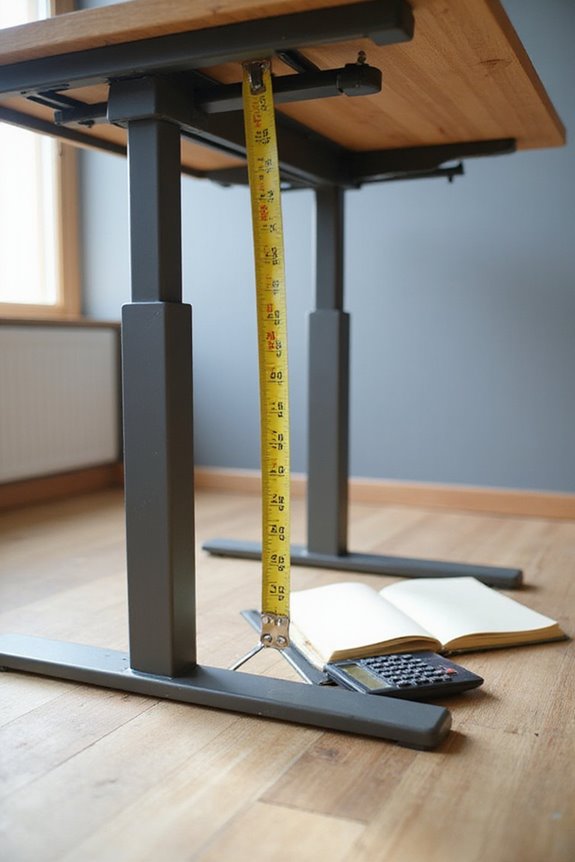
Accurate measurements are essential for determining the ideal height of your standing desk. To start, measure your height in inches while wearing typical shoes. It’s important to maintain proper posture alignment, so stand with your heels against the wall and keep your head level.
Here are key input requirements to contemplate:
- Elbow Position: Verify your elbows are bent at 90 degrees when typing.
- Monitor Placement: The monitor should be 20-30 inches away and at or just below eye level.
- Mobility Needs: Reflect on how often you’ll switch between sitting and standing.
Using a tape measure and level tool will help you achieve accurate height measurements, verifying a comfortable and ergonomic setup. Additionally, consider incorporating adjustable lumbar support to ensure optimal comfort during prolonged use.
Recommended Products

LENGTH: 6-ft long

2 Pack Soft Fashion Measuring Tape Set. Double sided, 60 inch / 150 cm, portable,durable tape measure. Small and light pocket size measuring tape.
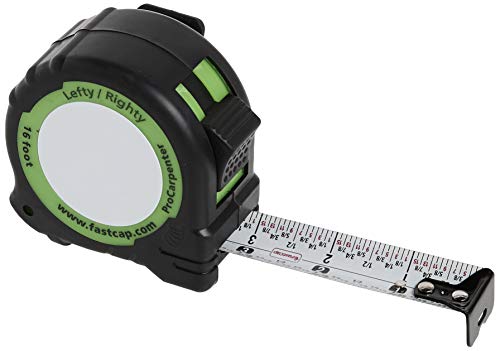
Dual Reading Capability: The Standard/Standard Reverse features standard measurements that are readable when the tape is extended from either the right or left hand
Additional Components for an Ergonomic Setup
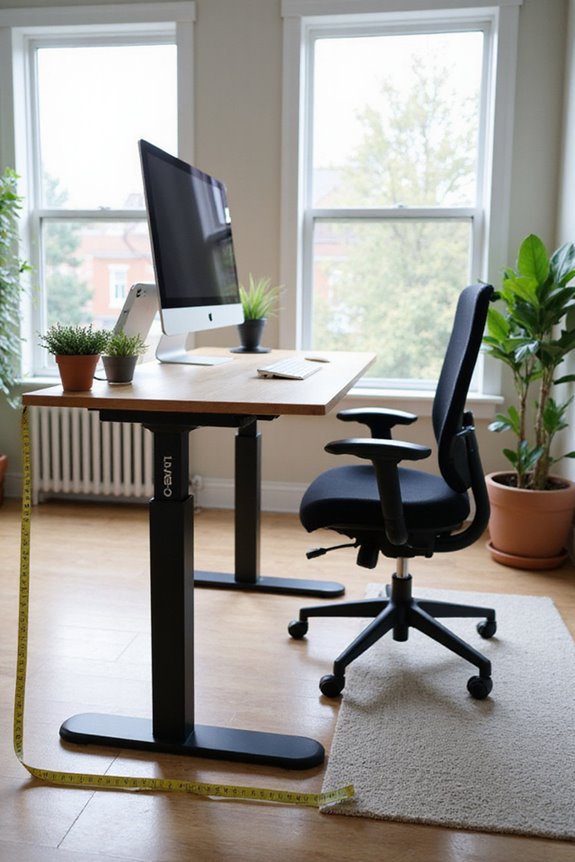
When setting up your standing desk, it’s essential to contemplate various components that can enhance your ergonomic experience. One key addition is monitor arms, which allow you to position your monitor at the ideal height and angle, reducing neck and shoulder strain. If you’re using multiple monitors, consider monitor mounts for flexibility, keeping your workspace organized.
Additionally, investing in ergonomic chairs is vital for those times when you sit. These chairs offer support and comfort, promoting better posture. Don’t forget about anti-fatigue mats; they can greatly reduce discomfort during prolonged standing. By integrating these components, you’ll create a more comfortable and productive workspace, ensuring your standing desk setup meets your ergonomic needs effectively. Furthermore, consider adding an ergonomic footrest to support proper posture and alleviate lower back strain during extended periods of standing.
Recommended Products

Laptop Mount Compatibility: This Laptop stand is designed with 14” x 12” ventilated tray and a 0.8” protruding bottom lip. Laptop tray with a breathable design to help avoid overheating. The single laptop arm can extend up to16''.

EXTRA LONG MONITOR ARM: Our monitor arm desktop mount features an extended arm that extends up to 27.76”, perfect for deeper and larger desktops. This single arm monitor mount saves over 80% of desktop space, maximizing the use of limited space. The integrated cable management feature on the monitor arm allows you to neatly route cables for a cleaner, more organized workspace.

Fits 13" to 30" Screens - Dual monitor mount fitting two screens 13” to 30” in size and up to 22 lbs in weight each with VESA 75x75mm or 100x100mm backside mounting holes. Cable management clips are provided along the arms and center pole.
Balancing Sitting and Standing Throughout the Day
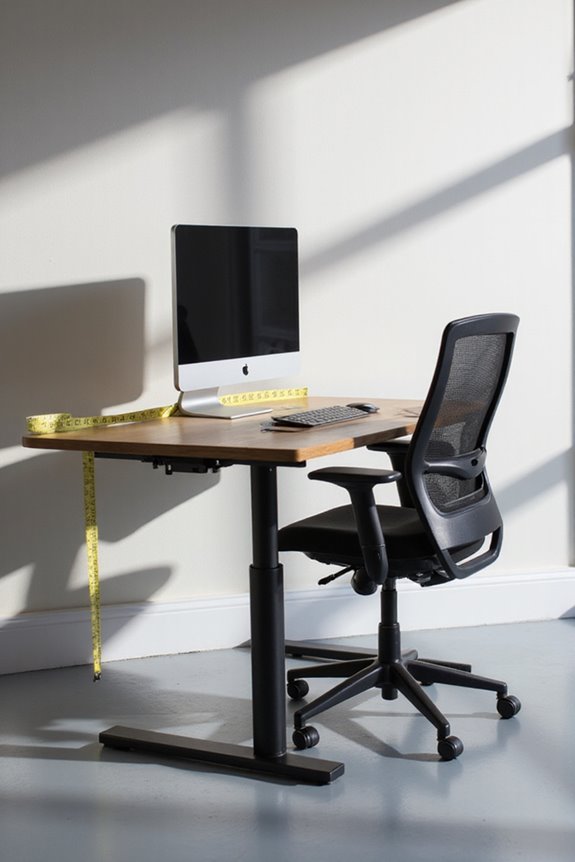
Balancing sitting and standing throughout the day is essential for maintaining both comfort and productivity in your workspace. Research shows that while sitting benefits include reduced discomfort and improved focus, prolonged sitting poses health risks like metabolic syndrome and musculoskeletal issues. To optimize your work routine, I recommend a sitting-to-standing ratio of 30 minutes sitting followed by 30–60 minutes standing. This approach not only mitigates standing risks, such as leg discomfort and circulatory problems, but also keeps energy levels high. Remember to listen to your body; fatigue is a signal to change your posture. Incorporating short breaks for movement can enhance this balance, ensuring you’re not favoring one position too much while promoting overall well-being.
Common Mistakes to Avoid in Desk Setup
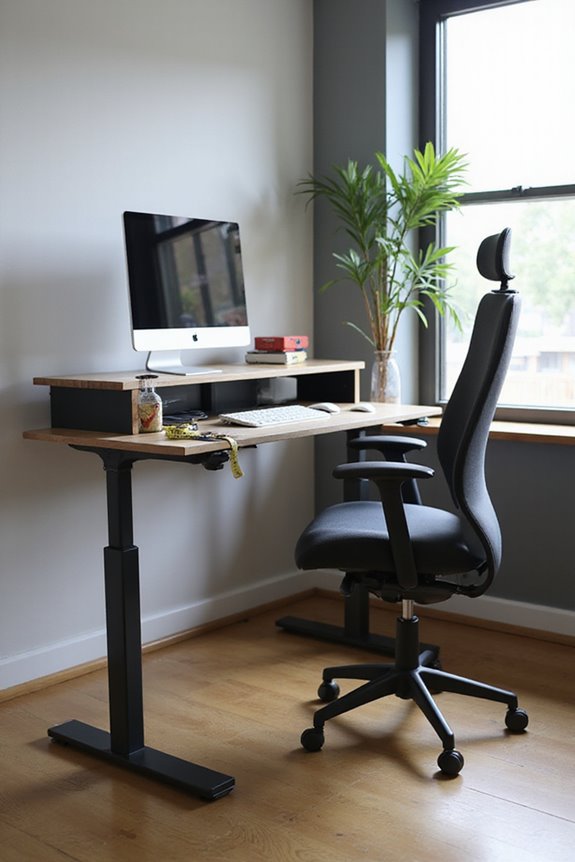
Setting up a desk can seem straightforward, but many people overlook essential details that can greatly impact comfort and productivity. Here are common mistakes to avoid:
- Improper Desk Height: Not adjusting your desk height can lead to discomfort and fatigue.
- Monitor Placement: Positioning your monitor too high or low may strain your neck.
- Foot Positioning: Ignoring proper foot positioning can cause standing discomfort.
- Movement Frequency: Failing to change positions regularly can lead to health issues.
- Posture Correction: Neglecting ergonomic accessories, like footrests, can worsen posture.
- Assembly Techniques: Rushing through desk assembly may cause instability.
Recommended Products
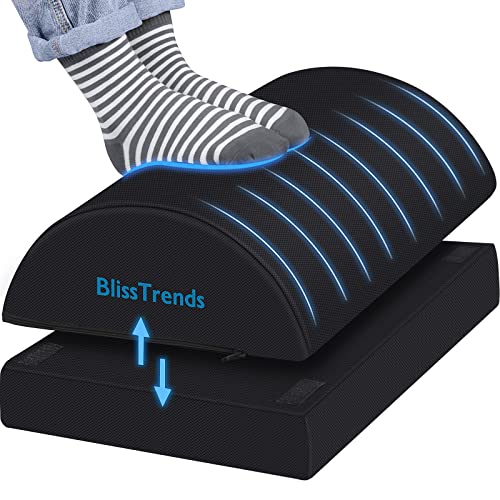
[Comfortable Experience] The BlissTrends foot rest has two layers: the lower layer measures 16.2"*9.9"*2.0", and the upper layer is 3.7" thick. The foot stool is ergonomically designed with sufficient height and curvature to better relieve the pressure on your limbs and discomfort when sitting for long periods of time

Ergonomic Office footrest - Helps to improve posture by keeping your feet and legs elevated. Rest your legs in your office while working, or at home after a long day, Man Gifts as Office Desk and PC Gaming Accessories

Enhance Your Posture with Ultimate Comfort: Transformyour workspace with the Huanuo bamboo footrest for under desk, crafted to support better posture and provide exceptional comfort. Say goodbye to leg fatigue, whether athome or in the office. This ergonomic footrest helps you stay productive and ocomfortable throughout the day.
Tips for Maintaining an Ergonomic Workspace
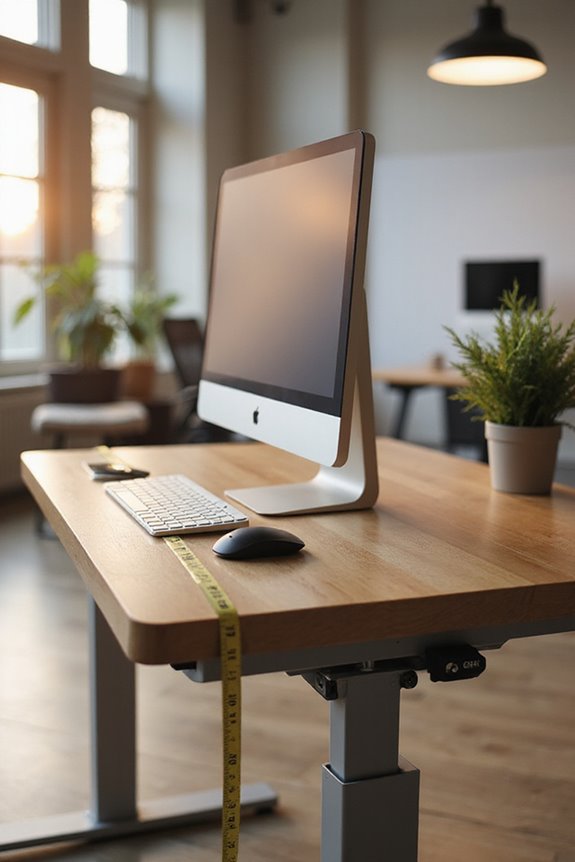
Creating an ergonomic workspace is essential for maintaining comfort and productivity during long hours of work. Here are some tips to help you accomplish this:
- Chair and Desk Setup: Choose a chair with lumbar support and adjust its height so your feet rest flat on the floor. Verify your desk allows for your elbows to be at a 90-degree angle while typing.
- Monitor Placement: Position your monitor at eye level and an arm’s length away to reduce strain.
- Ergonomic Accessories: Utilize wrist rests and footrests for added support.
- Workspace Organization: Keep frequently used items within easy reach to minimize overextension.
- Movement Habits: Remember to take micro-breaks to stretch and alternate between sitting and standing to maintain good posture.
Frequently Asked Questions
Can I Use a Standing Desk if I’M Shorter Than Average?
I’m shorter than average, and I use a standing desk with ergonomic adjustments. I’ve added desk accessories like risers and footrests to guarantee comfort while working, making it a great fit for me.
How Often Should I Adjust My Standing Desk Height?
I adjust my standing desk height about twice daily, usually in the morning and afternoon. This adjustment frequency helps me maintain ergonomic benefits, reducing strain and keeping me comfortable and productive throughout my workday.
Are There Specific Shoes Recommended for Standing Desks?
When it comes to footwear options for standing desks, comfort features like arch support and cushioning are key. I’ve found that clogs and supportive sneakers really keep my feet happy during long hours.
Can a Standing Desk Help With Weight Loss?
I’ve found that using a standing desk boosts my caloric expenditure while also improving my posture. It’s not a miracle solution for weight loss, but combined with other activities, it definitely helps.
What Accessories Enhance the Use of a Standing Desk?
To enhance my standing desk setup, I swear by smart monitor arms for perfect positioning and supportive anti-fatigue mats that cushion my feet. These accessories really make a difference in comfort and productivity!
{
“@context”: “https://schema.org”,
“@type”: “FAQPage”,
“mainEntity”: [
{
“@type”: “Question”,
“name”: “Can I Use a Standing Desk if I’M Shorter Than Average?”,
“acceptedAnswer”: {
“@type”: “Answer”,
“text”: “I’m shorter than average, and I use a standing desk with ergonomic adjustments. I’ve added desk accessories like risers and footrests to guarantee comfort while working, making it a great fit for me.”
}
},
{
“@type”: “Question”,
“name”: “How Often Should I Adjust My Standing Desk Height?”,
“acceptedAnswer”: {
“@type”: “Answer”,
“text”: “I adjust my standing desk height about twice daily, usually in the morning and afternoon. This adjustment frequency helps me maintain ergonomic benefits, reducing strain and keeping me comfortable and productive throughout my workday.”
}
},
{
“@type”: “Question”,
“name”: “Are There Specific Shoes Recommended for Standing Desks?”,
“acceptedAnswer”: {
“@type”: “Answer”,
“text”: “When it comes to footwear options for standing desks, comfort features like arch support and cushioning are key. I’ve found that clogs and supportive sneakers really keep my feet happy during long hours.”
}
},
{
“@type”: “Question”,
“name”: “Can a Standing Desk Help With Weight Loss?”,
“acceptedAnswer”: {
“@type”: “Answer”,
“text”: “I’ve found that using a standing desk boosts my caloric expenditure while also improving my posture. It’s not a miracle solution for weight loss, but combined with other activities, it definitely helps.”
}
},
{
“@type”: “Question”,
“name”: “What Accessories Enhance the Use of a Standing Desk?”,
“acceptedAnswer”: {
“@type”: “Answer”,
“text”: “To enhance my standing desk setup, I swear by smart monitor arms for perfect positioning and supportive anti-fatigue mats that cushion my feet. These accessories really make a difference in comfort and productivity!”
}
}
]
}