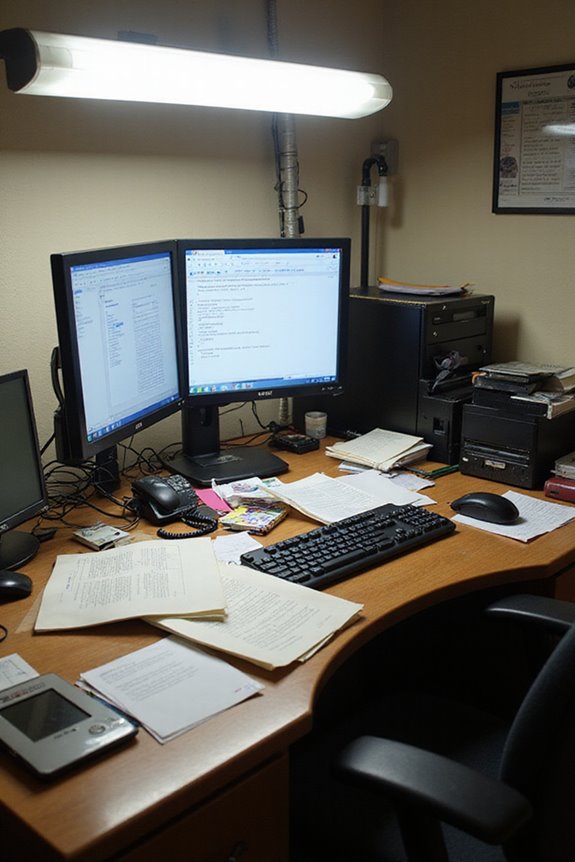
As an Amazon Associate, we earn from qualifying purchases. Some links may be affiliate links at no extra cost to you. Although our opinions are based on curated research, we haven't used these products. Articles generated with AI.


How Do I Prevent Computer Vision Syndrome?

To prevent Computer Vision Syndrome, I focus on several key strategies. First, I limit screen time by setting specific limits and taking regular breaks, like practicing the 20/20/20 rule. I also adjust my workspace for ideal ergonomics, positioning the screen 20-26 inches away at eye level. Managing lighting and reducing glare is essential, so I use soft lighting and anti-glare screen protectors. Finally, I pay attention to my eye health and adopt better viewing habits for comfort. Continuing on, you’ll find more detailed tips.
Key Takeaways
- Follow the 20/20/20 rule: every 20 minutes, look at something 20 feet away for 20 seconds to reduce eye strain.
- Adjust your workspace ergonomics by placing the screen 20-26 inches away and at eye level to maintain proper posture.
- Take regular breaks throughout the day to enhance focus and hydration, customizing frequency based on your screen time and eye health.
- Manage lighting and glare by using soft, dimmable lights and positioning screens to minimize reflections and glare from windows.
- Reduce overall screen time by setting limits and engaging in alternative activities, such as reading or outdoor hobbies, for better eye health.
Understanding Computer Vision Syndrome
You may be interested


Computer Vision Syndrome (CVS) is a growing concern in our digital age, particularly as many of us spend extended hours in front of screens. This condition affects around 60 million people globally, with symptoms like eye strain, headaches, and blurred vision. I’m often surprised by how easily these symptoms can creep up during long work or leisure sessions.
Being aware of these symptoms is essential for early detection. Treatment options include regular eye exercises, using artificial tears for dry eyes, and adjusting display settings to ease strain. Maintaining proper posture and taking regular breaks also helps alleviate discomfort. By remaining vigilant about symptom awareness and exploring effective treatment options, we can greatly improve our visual comfort and overall well-being.
Reducing Screen Time
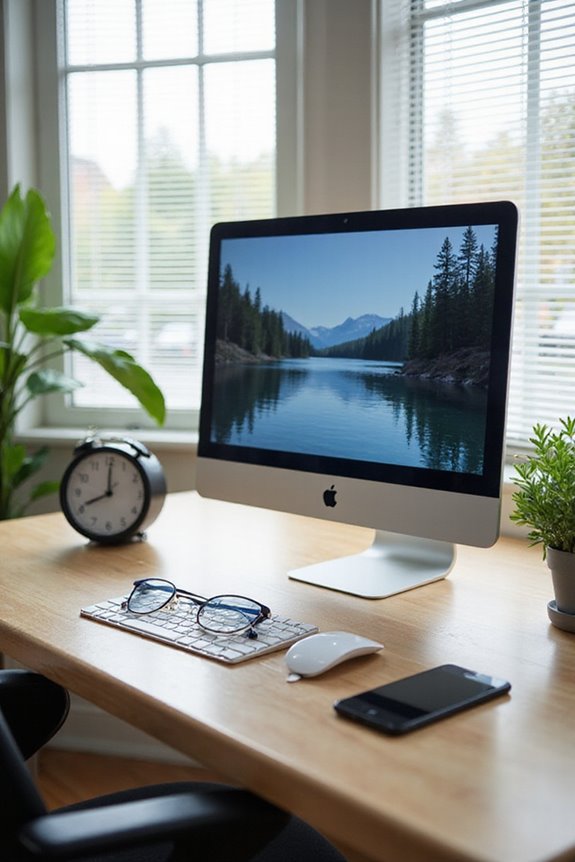
How often do we pause to reflect on the amount of time we spend glued to our screens? The statistics are concerning; over half of U.S. teens have over four hours of daily screen time. This excess not only affects eye health but is also linked to increased anxiety and depression.
To combat this, I recommend setting specific limits on screen time. Parents can enforce device curfews, like no screens an hour before bed, promoting better sleep. We can also replace screen time with hobbies such as reading, crafting, or outdoor activities, which support both mental and physical well-being. By being mindful of our screen habits, we can foster healthier lifestyles and improve our overall health.
Recommended Products

BLUE LIGHT BLOCKING GLASSES: Our blue light glasses for women boast UV400 protection, blocking harmful blue rays from computer screens. With these bluelight glasses women, you can enjoy gaming, reading, or watching TV with no worries of eye strain.
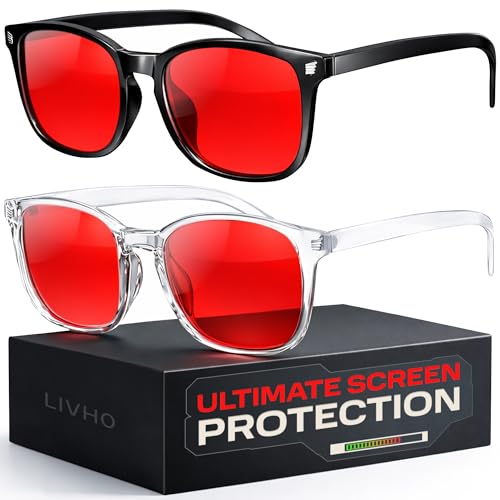
Elevate your screen time comfort with these stylish women's/men's eyewear frame blue light blocking glasses, designed to reduce eye strain and protect against harmful UV rays. Stay focused and comfortable with these anti-glare computer glasses featuring a women's eyewear frame, perfect for long hours in front of digital screens
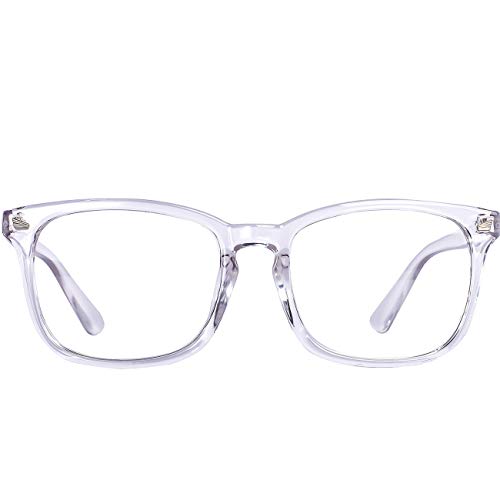
Blue light filter lens - Blue light glasses womenBlock harsh blue light and UV400,Blue light blocking computer glasses is Professional for people who work long hours on computers, tablets, games, on the phone or on TV
Taking Rest Breaks
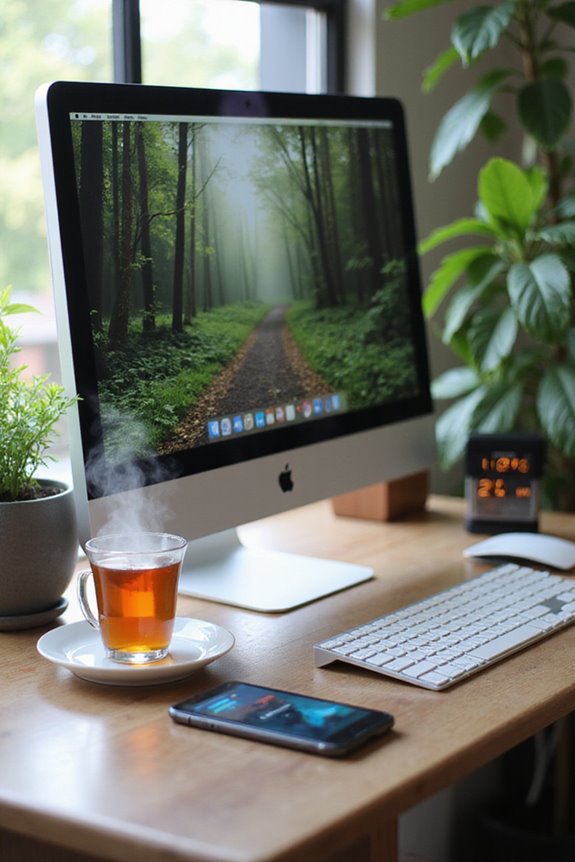
Taking regular rest breaks is essential for maintaining eye health in our screen-dominated world. Research shows that proper break frequency can reduce the risk of Computer Vision Syndrome (CVS) by up to 56.1%. I recommend following the 20/20/20 rule: every 20 minutes, look at something 20 feet away for at least 20 seconds. Incorporating micro breaks—short pauses of a few minutes—can further enhance focus and improve eye hydration by encouraging increased blinking. It’s important to customize break frequency based on your screen time and eye health needs. Consistently taking breaks not only supports eye health but also increases work efficiency, allowing you to maintain productivity while protecting your vision in the long run.
Recommended Products
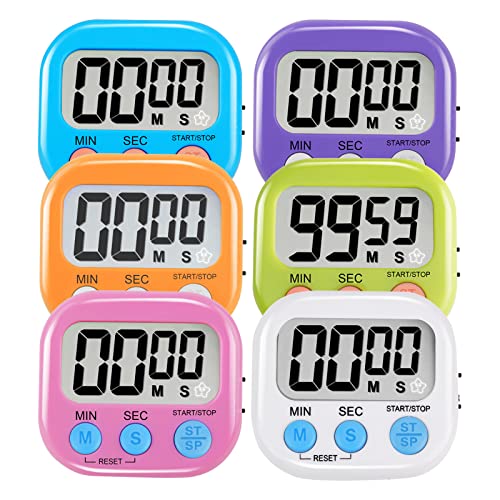
⏰UPGRADED VERSION TIMER :The Loud / Silent switch is a whole-new surprise! Alarm buzzer will beep loudly in large spaces, allowing you to hear clearly in another room. Makes it a must-have kitchen timer for cooking safely! Besides, this digital stopwatch timer with silent switch works perfectly for kids and teachers. When countdown to 00:00 on desktop, only the Five-pointed star will flash quietly without startling students in classroom.

TIME MANAGEMENT — The 60-minute learning clock helps to stay on task, and assist with organization and concentration during study time. The dry-erase activity card helps to keep track of a task list and daily reminders

Adjusting Workspace Ergonomics
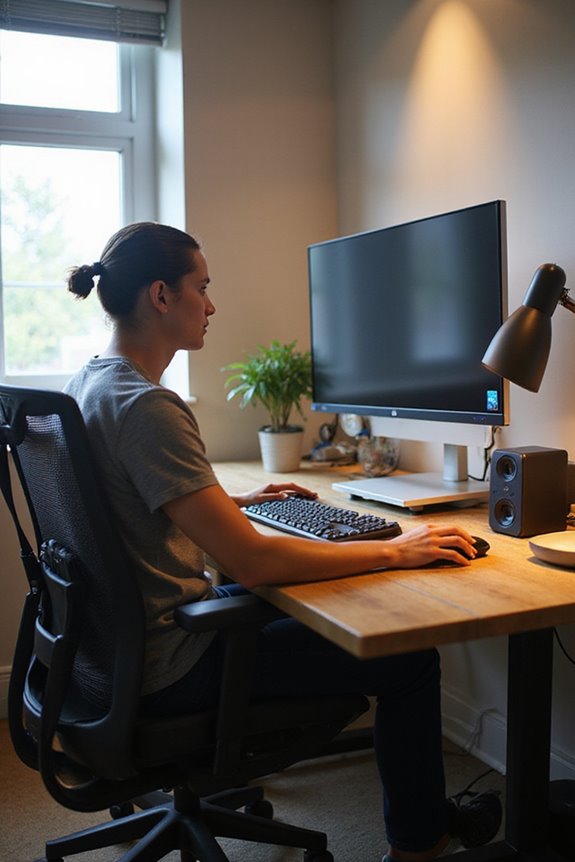
Adjusting your workspace ergonomics can greatly enhance your comfort and productivity. First, focus on screen positioning. Place your computer screen at an arm’s length (20-26 inches) with the top of the screen at or slightly below eye level. This helps prevent neck strain. Make sure the monitor is directly in front of you to avoid twisting.
Next, consider chair ergonomics. Choose a chair that provides proper lumbar support to maintain a straight posture. Your feet should rest flat on the floor or on a footrest to avoid strain. Additionally, adjust the chair height so your elbows are at a 90-degree angle while using the keyboard. By optimizing these elements, you can considerably reduce discomfort and improve your overall workspace experience. Investing in ergonomic office chairs can significantly enhance your comfort and productivity during long hours of work.
Recommended Products

Fully Adjustable Office Chair: Customized chairs, featuring with an adjustable 2D headrest, backrest with 90° to 120° recline, and 3D adjustable armrests for multiple work postures at will and discover unparalleled comfort throughout the workday.
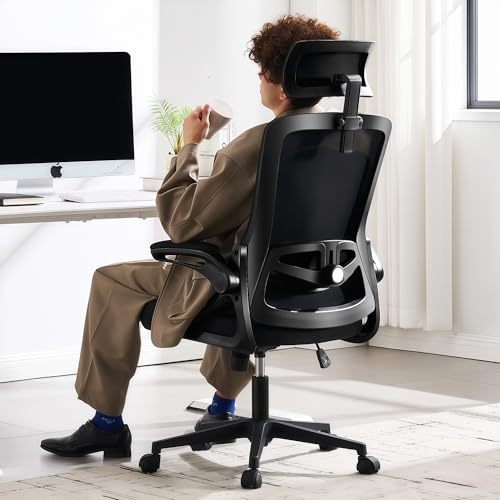
Ergonomic Office Chair: Our ergonomic office chair provides total comfort and support for your head, back, hips and arms. Suitable for people who are approximately 5' 4" to 6' 3" tall. Easily adjust the seat height, headrest, backrest and reversible armrests to meet different needs and provide comfortable support even during long periods of sitting

All-Day Ease – Breathable mesh backrest provides targeted lower back support, encouraging healthy posture and lasting comfort through long hours of sitting.
Managing Lighting and Glare
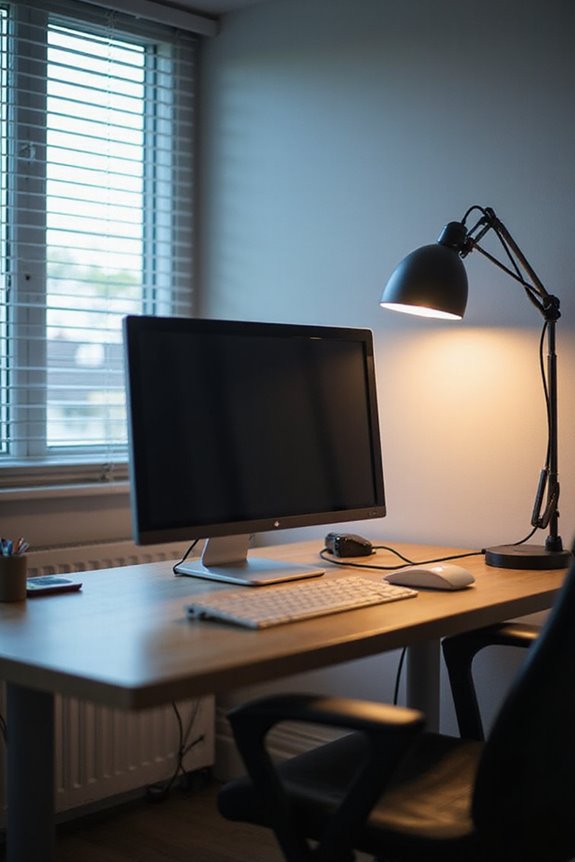
What role does lighting play in your overall comfort while using a computer? Proper ambient lighting is essential for reducing eye strain. Aim for lighting that’s about half as bright as typical office lighting. Dimmable lights can help, so consider turning off harsh overhead fluorescents and using soft white LED floor lamps instead.
To eliminate glare, position your computer screen with windows to the side, and close blinds to block exterior light. For screen glare reduction, use anti-glare screen protectors and clean your monitor regularly. Adjusting the brightness of your screen to match your surroundings also aids in comfort. By managing lighting effectively, you’ll create a more comfortable and productive workspace. Additionally, using desktop fans can enhance airflow and improve overall comfort while working at your computer.
Recommended Products

Compatible Model(s): Magicmoon brand filter only for 24 inch -diagonally measured - widescreen monitor - aspect ratio 16:9 - filter size: width: 20 15/16", Height: 11 13/16" (531mm x 298mm)

Dimension: 21.26 x 13.39 inch/L x W. Compatible with iMac 24 inch;compatible with Lenovo Ideacentre 23.8;compatible with HP Pavilion 24/Flagship 23.8;compatible with Inspiron 23.8,compatible with Dell P Series 24;compatible with Fast Elite 8300 FHD 23;compatible with Sceptre 24;compatible with Acer Aspire 23.8/XFA240 bmjdpr 24;compatible with ViewSonic 24 and diagonally measured 23,23.6,23.8,24 inch 16:9 widescreen desktop PC LED monitor. Please measure your modiagonal dimension before purchase
![[2-Pack] 24 Inch Computer Privacy Screen Filter for 16:9 Widescreen Monitor](https://m.media-amazon.com/images/I/41jLN+QeBGL._SL500_.jpg)
【Improved Privacy Filter】Protescreen 24 inch privacy screen filter after 200 times updates,Use revolutionary micro-louver technology. The 24 inch computer privacy filter limits viewing angle to +/- 28° and provide clear vision on the front. If see from the sides, the greater the angle the darker the screen.Anyone who tries to peek over the side will only see a dark screen! So with a computer privacy screen protector 24 inch, the privacy of your computer screen will never be leaked.
Maintaining Eye Health
While it might seem easy to overlook eye health in our technology-driven world, prioritizing it is vital for long-term comfort and productivity. Regular eye examinations help detect early signs of Computer Vision Syndrome (CVS) and guarantee timely intervention. These check-ups allow eye care providers to offer personalized advice on maintaining overall eye health.
In addition, focusing on eye hydration is important. I’ve found that using artificial tears can alleviate dryness caused by prolonged screen use. Incorporating nutritional support, such as omega-3 fatty acids and antioxidants, also promotes healthy eyes. A diet rich in leafy greens and fruits can greatly enhance vision maintenance. Staying hydrated by drinking plenty of water supports tear production, contributing to overall eye well-being.
Recommended Products

SCREEN TIME: Did you know staring at screens means we may blink less often, which may lead to eye dryness and discomfort?

Immediate dry eye relief: TheraTears Lubricating Eye Drops provide immediate, long-lasting relief from dry eye symptoms such as burning, grittiness, and irritation

DUAL LIGHT RELIEF: Rohto Dual Light Relief Lubricant Eye Drops for dry eyes are designed to provide soothing hydration from the sun or computer eye strain from digital screen use
Enhancing Viewing Habits
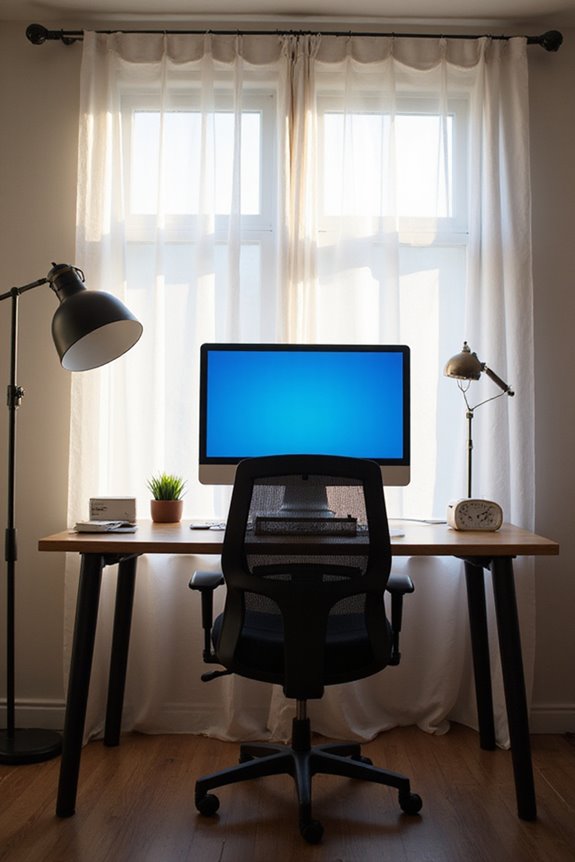
To protect your eyes in our screen-centric world, it’s vital to adopt effective viewing habits that can greatly reduce strain and discomfort. First, I recommend positioning your monitor at arm’s length—about 20 to 28 inches away—to maintain a comfortable viewing distance. Make sure the top of the screen is at or slightly below eye level; this promotes ergonomic viewing and reduces neck strain.
Additionally, adjust screen brightness to match your environment, and minimize glare by positioning your screen perpendicular to windows. Regular breaks are essential, so follow the 20-20-20 rule to rest your eyes. Implement these habits, and you’ll create a healthier viewing experience that markedly lessens eye fatigue and discomfort.
Frequently Asked Questions
What Are the Symptoms of Computer Vision Syndrome?
When my eyes feel heavy and strained, I know something’s off. The symptoms of computer vision syndrome can be tough: dry eyes, blurred vision, and even headaches. It’s a real struggle many of us face.
Can Computer Vision Syndrome Be Permanent?
I often wonder if Computer Vision Syndrome has permanent effects. While it can cause discomfort, I’ve learned it usually doesn’t lead to long-term impact on my vision, especially with proper care and management strategies.
How Often Should I Get Eye Exams?
You might wonder, how often should I get eye exams? I’ve learned eye exam frequency matters for vision health. For me, regular check-ups guarantee I stay ahead of potential issues and maintain clear sight.
Are There Specific Exercises for Eye Relief?
I often practice vision exercises like the 20-20-20 rule and eye rolling for eye relaxation. These simple routines really help ease strain and keep my eyes feeling refreshed during long screen sessions.
Can Dietary Changes Improve Eye Health?
Did you know that increasing nutrient intake can reduce cataract risk by nearly 50%? I’ve found eye supplements with vitamins C, E, and omega-3s really help improve my eye health and overall well-being.
{
“@context”: “https://schema.org”,
“@type”: “FAQPage”,
“mainEntity”: [
{
“@type”: “Question”,
“name”: “What Are the Symptoms of Computer Vision Syndrome?”,
“acceptedAnswer”: {
“@type”: “Answer”,
“text”: “When my eyes feel heavy and strained, I know something’s off. The symptoms of computer vision syndrome can be tough: dry eyes, blurred vision, and even headaches. It’s a real struggle many of us face.”
}
},
{
“@type”: “Question”,
“name”: “Can Computer Vision Syndrome Be Permanent?”,
“acceptedAnswer”: {
“@type”: “Answer”,
“text”: “I often wonder if Computer Vision Syndrome has permanent effects. While it can cause discomfort, I’ve learned it usually doesn’t lead to long-term impact on my vision, especially with proper care and management strategies.”
}
},
{
“@type”: “Question”,
“name”: “How Often Should I Get Eye Exams?”,
“acceptedAnswer”: {
“@type”: “Answer”,
“text”: “You might wonder, how often should I get eye exams? I’ve learned eye exam frequency matters for vision health. For me, regular check-ups guarantee I stay ahead of potential issues and maintain clear sight.”
}
},
{
“@type”: “Question”,
“name”: “Are There Specific Exercises for Eye Relief?”,
“acceptedAnswer”: {
“@type”: “Answer”,
“text”: “I often practice vision exercises like the 20-20-20 rule and eye rolling for eye relaxation. These simple routines really help ease strain and keep my eyes feeling refreshed during long screen sessions.”
}
},
{
“@type”: “Question”,
“name”: “Can Dietary Changes Improve Eye Health?”,
“acceptedAnswer”: {
“@type”: “Answer”,
“text”: “Did you know that increasing nutrient intake can reduce cataract risk by nearly 50%? I’ve found eye supplements with vitamins C, E, and omega-3s really help improve my eye health and overall well-being.”
}
}
]
}